
How it works
Choose an illustration that can move
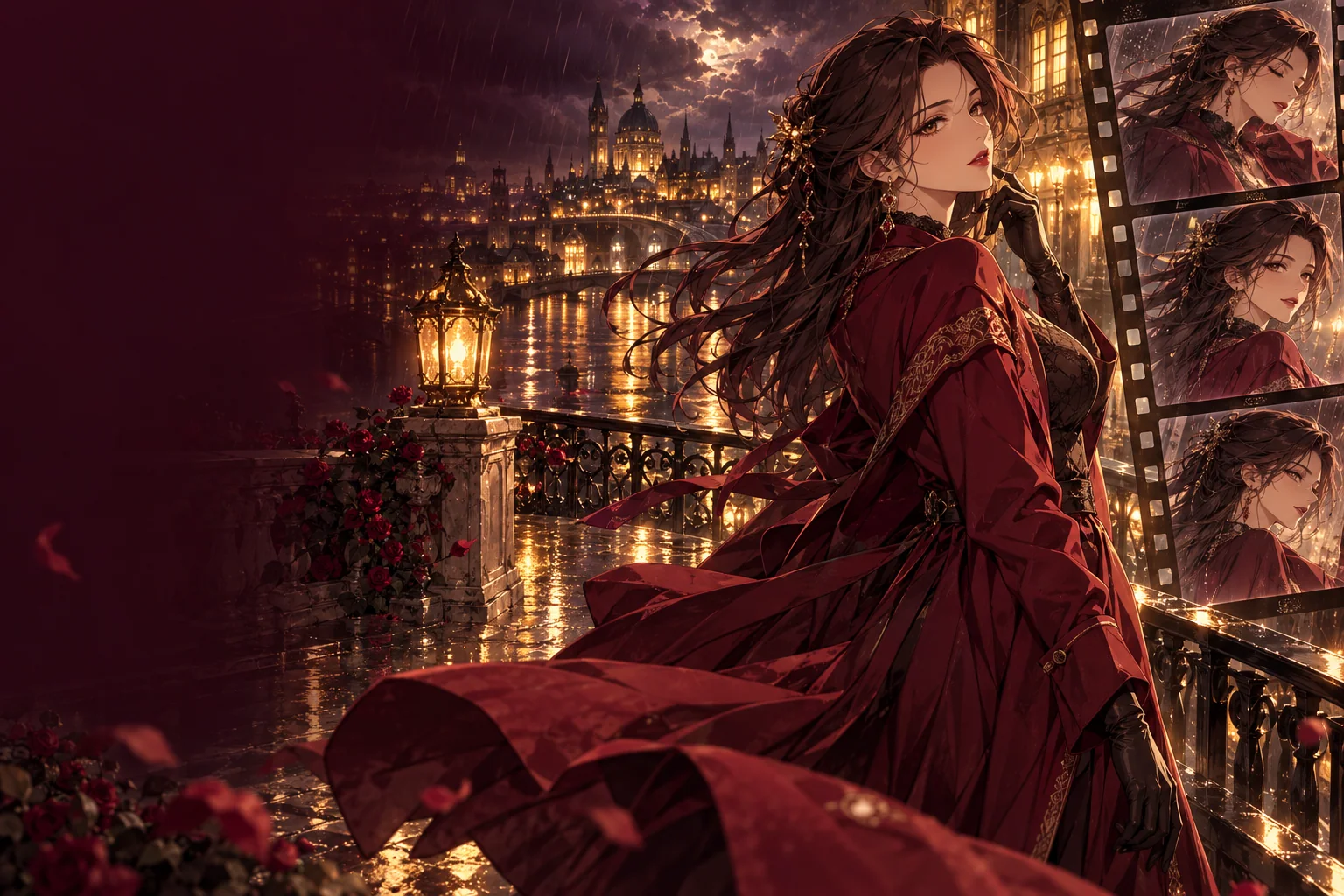
Some pictures animate more gracefully than others. A character separated from the background, with loose hair, a coat, a scarf or a skirt, gives the model elements to move without inventing new ones. Crowded compositions and figures cut off at the frame edge leave less room for motion and often produce warping at the borders.
Image resolution matters as well. Fine anime line art can soften when a small image is enlarged, so upload the largest clean version you have. If the illustration came from the anime image generator, use the 2k render rather than the first draft.
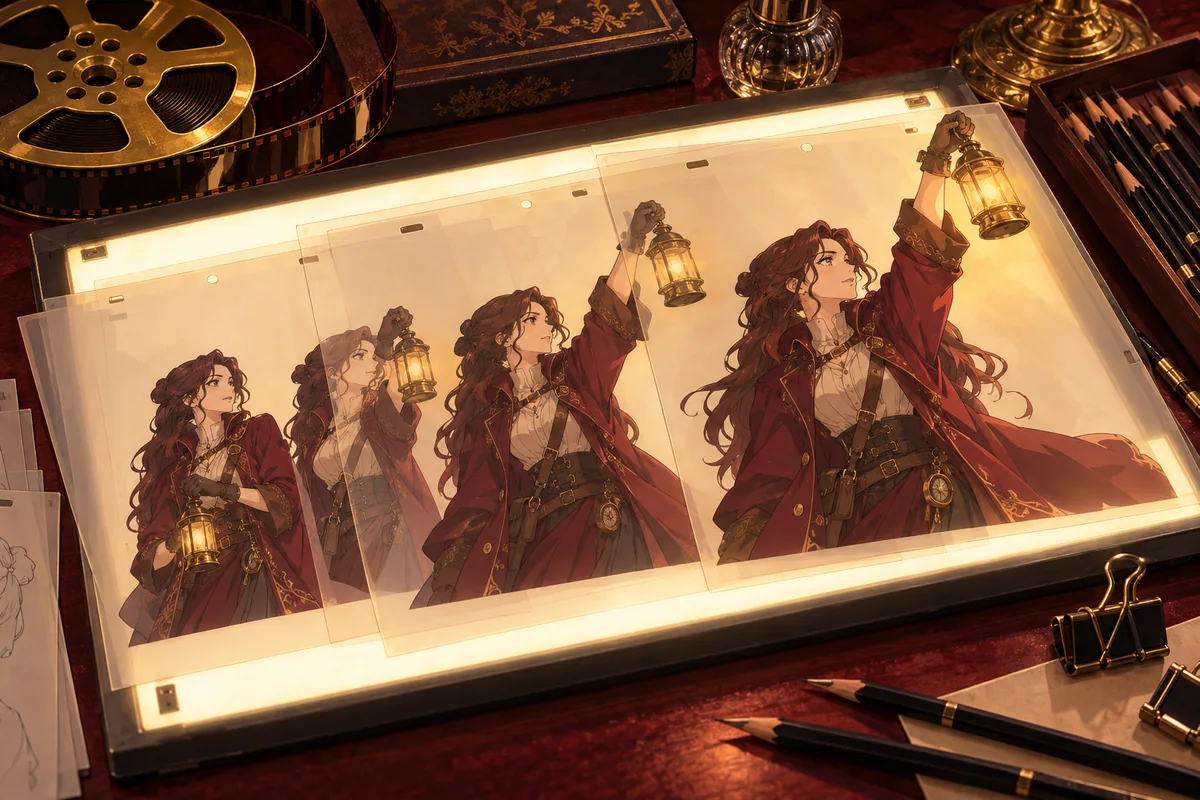
Motion prompts for anime illustrations
The picture already shows what the character looks like, so spend the prompt on movement. One deliberate action plus a little secondary motion is easier to judge than a whole sequence.
- She turns her head toward the camera and smiles, her silver hair lifts in the wind, cherry petals drift past, slow push-in.
- The adult swordsman draws his blade in one smooth motion, his cloak swings behind him, rain keeps falling, camera holds still.
- Gentle breathing and a slow blink, the neon sign behind her flickers, light reflections ripple on the wet street.
- The camera orbits slowly around the two adult travellers at the campfire while sparks rise into the night sky.
Wan 3.0 settings for anime clips
Duration runs from 2 to 30 seconds and resolution is 480p, 720p or 1080p. With no aspect ratio set, the clip keeps the shape of your illustration; you can also choose 16:9, 9:16, 1:1, 4:3 or 3:4. An optional last frame gives the clip an ending pose, which helps when the character should finish somewhere specific.
Video sound is on by default and adds audio to the clip. Switch it off when you want a silent loop to score yourself. Prompt expansion is off, so the model follows your wording as written; turn it on if a short prompt produces too little movement.
What to expect from stylized footage
Video models are trained on many kinds of footage, and drawn characters can change as they move: outlines may thicken, eyes can shift and fast actions sometimes melt fine details. Short clips with moderate movement keep closer to the original drawing. For more control over the path between poses, the keyframe animation guide shows how to add a last frame and intermediate keyframes; the image-to-video comparison lists the other models, including the Spicy ones.
Try Vidu Q4 with your anime artwork
Vidu Q4 Preview is also available for Image to Video and Reference to Video. Start from one finished illustration, or use reference images to guide a new scene. Compare the available duration, resolution and Peppers quote in its form. For a text-only start with an Anime style option, use the Vidu Q3 text-to-video guide.
Questions
- Which model animates the illustration?
- Wan 3.0 image to video is selected. You can switch to another image-to-video model in the composer; each one has its own length, resolution and input options.
- Will the character look exactly like my drawing?
- Not always. Outlines, eyes and small details can shift during movement. Shorter clips with gentler motion usually stay closer to the original.
- Can I choose how the clip ends?
- Yes. Wan 3.0 accepts an optional last frame. Use a second illustration of the same character in the same style for a smoother transition.
- Does the clip include sound?
- Video sound is on by default. Turn it off for a silent clip.
- I do not have an illustration yet. Where do I start?
- Create one with the anime AI image generator, or skip the still and start from text in the anime text-to-video guide.