
How it works
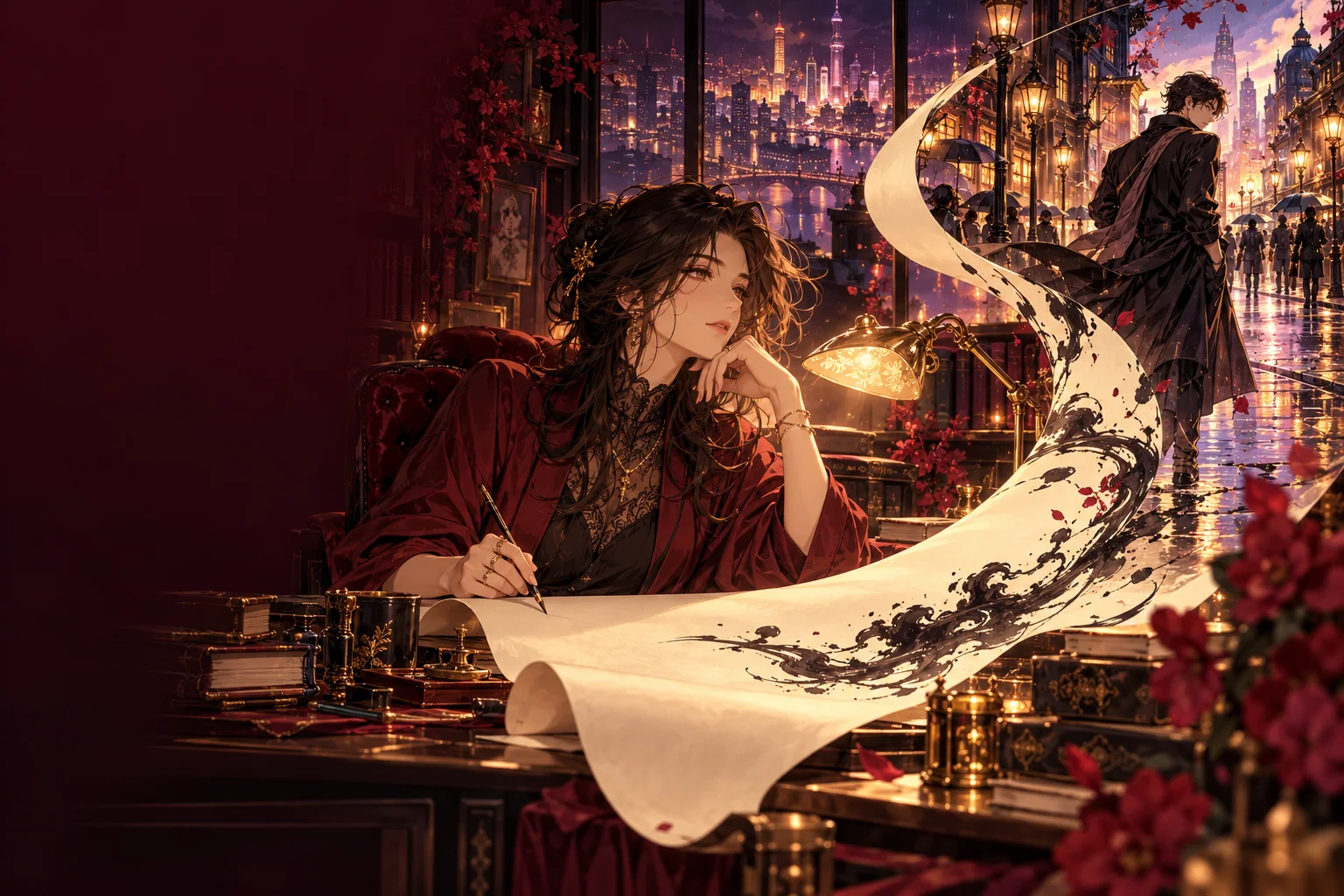
What the Anime style setting does
Vidu Q3 text to video has a Style control with two options, General and Anime. This page selects Anime when the composer first loads, and the setting is sent with your request like any other parameter. Adding “anime style” to the prompt is not needed; describe the content of the shot instead.
The preselection happens once. If you switch Style back to General, change the duration or pick another model, your choice stays; nothing on the page resets it. Vidu Q3 Pro text to video has the same Style control, so you can compare both with an identical prompt.
Write one shot at a time
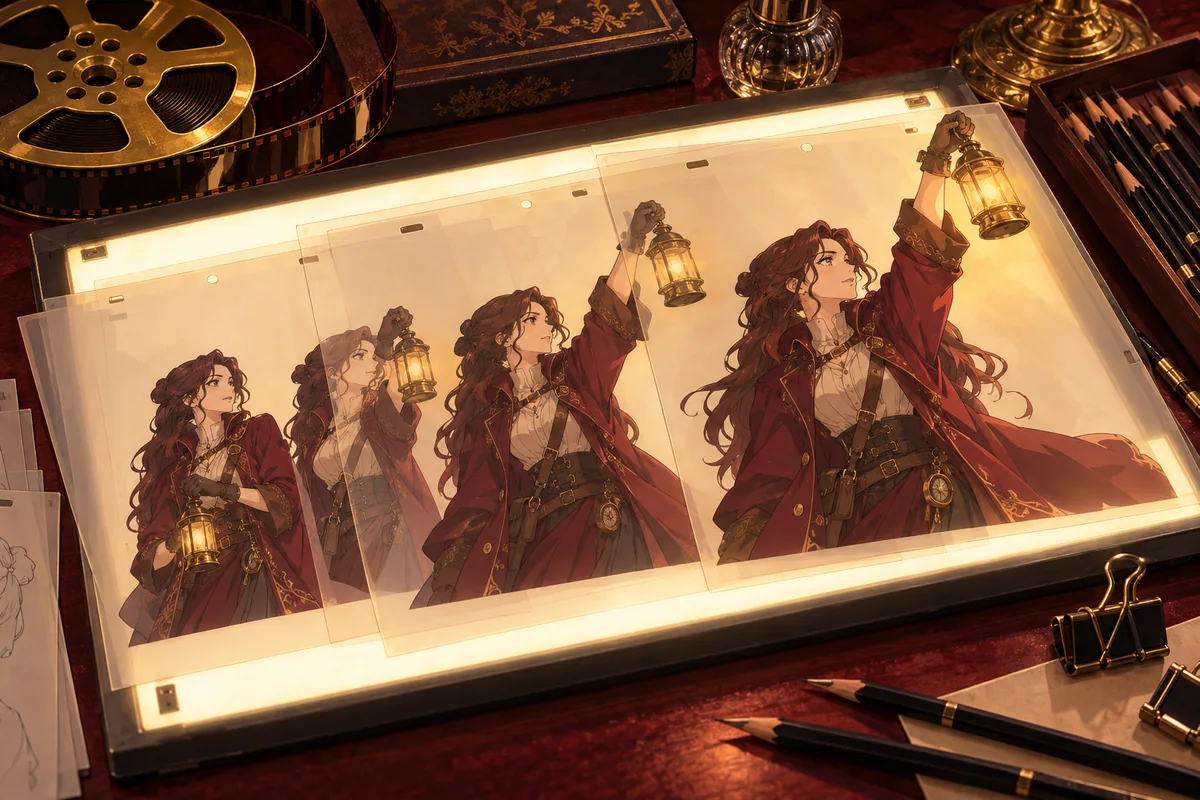
A short clip holds one shot, not a scene with several cuts. Put the subject first, then the place, the action and the camera. Spoken lines, sound effects or music can be described too when audio is on.
- An adult courier with a red scarf rides a bicycle through a narrow hillside town at sunrise, tracking shot from the side, laundry lines sway overhead.
- Close-up of an adult mage in a dark violet coat opening a glowing book in a quiet library, dust in the light, slow dolly-in.
- Two adult friends run for the last train on a rainy platform, neon reflections on the floor, handheld camera following behind them.
- Wide shot of an adult pilot standing on a cliff above the sea at dusk, coat flapping in strong wind, the camera rises slowly to reveal a floating city.
Length, framing, movement and sound
Duration runs from 1 to 16 seconds, starting at 5, and resolution is 540p, 720p or 1080p. Vidu Q3 offers 16:9, 9:16, 4:3, 3:4 and 1:1, with 4:3 as the default; Vidu Q3 Pro has no aspect ratio control. Movement can be Auto, Small, Medium or Large, and Small often suits calm character moments where large motion would distort the drawing.
Video sound and Background music are both on by default. Turn off Background music when you only want ambient sound or speech, or switch both off for a silent clip to edit later. Every change moves the Peppers quote, so read it again before you submit.
When to start from an image instead
Text alone describes a character but does not pin down a design, so the face and outfit can differ from clip to clip. When you need one specific character, draw a still first with the character creator and animate it with the anime image to video guide. Characters are adults in every workflow, and the content policy applies to prompts and results.
Questions
- Is the Anime style just a prompt keyword?
- No. Style is a Vidu Q3 setting with General and Anime options. This page selects Anime in the form, and the value is sent with your request.
- Can I switch back to the General style?
- Yes. Pick General in the Style setting at any time. The page only preselects Anime once and does not override your later choice.
- How long can a Vidu Q3 anime clip be?
- Between 1 and 16 seconds. A 5-second test is a sensible first run before a longer or higher-resolution version.
- Will the same prompt give me the same character twice?
- Not reliably. For a recurring design, create a still of the character and use image-to-video with it.
- Does the clip come with music?
- Video sound and Background music are on by default. You can turn either off before you submit.