
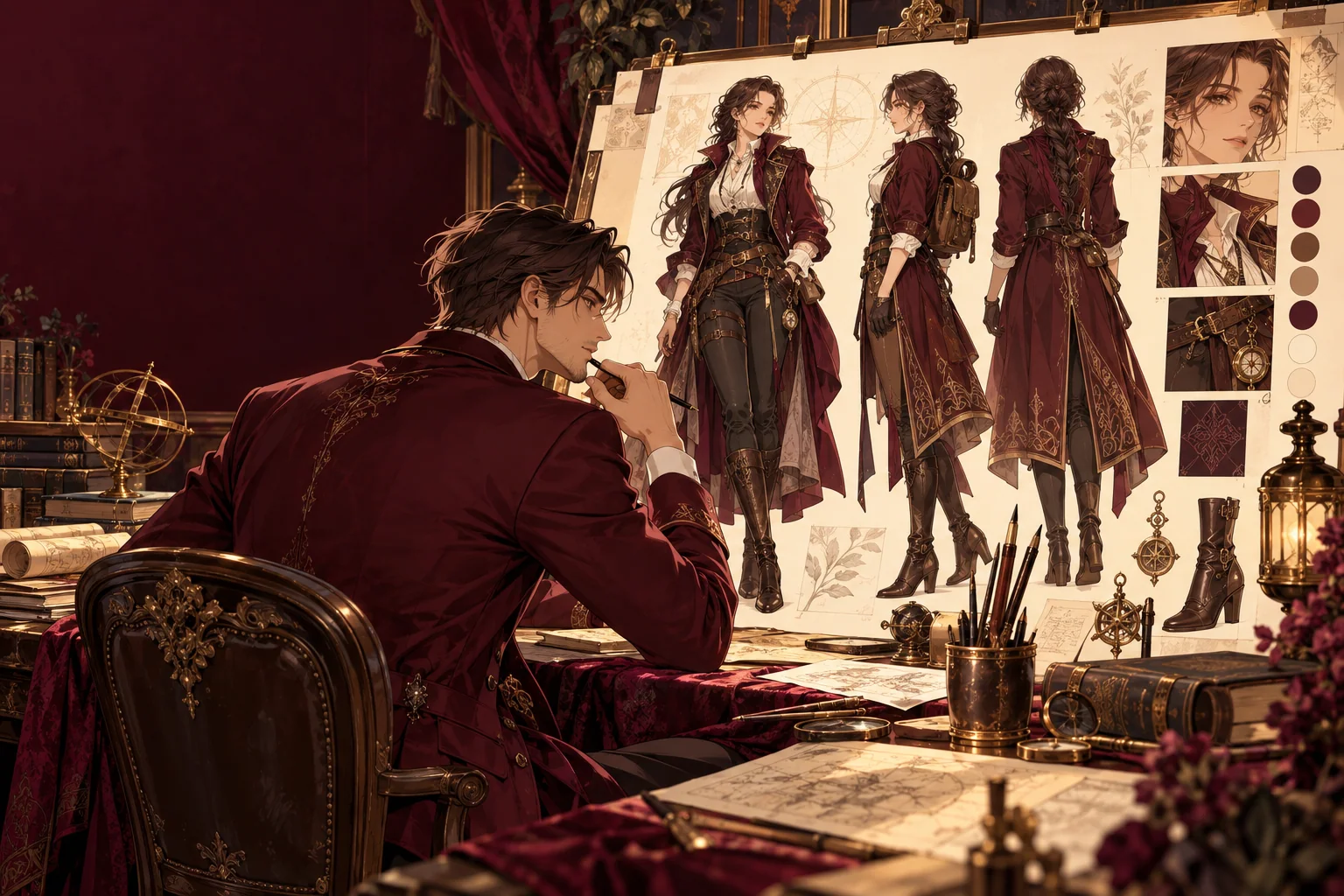
How it works
Start with a brief, not a style label
A memorable character is a set of decisions: who they are, how old they are, what they wear and what they carry. Write those down before style words. “A 31-year-old ship mechanic with short copper hair, oil-stained gloves and a red scarf” gives the model shapes and colours to draw, and gives you a checklist for judging the result.
Keep the brief stable while you experiment. If you change the scarf, the hair and the jacket in one go, you cannot tell which part of the prompt moved the design. Save the wording that worked, even in a plain text file, so the next session starts from the same description.
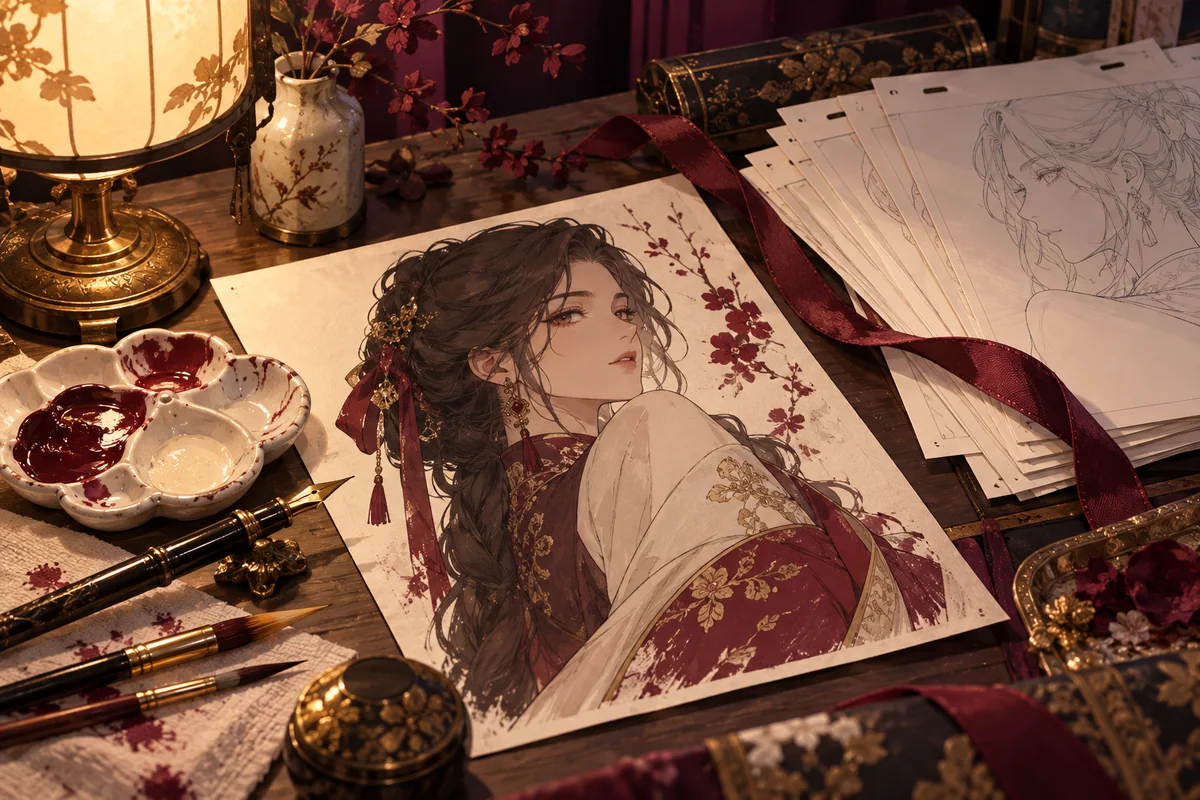
Prompt examples for design sheets
Sheets work best on a plain light background with even lighting, so the outfit and silhouette are easy to read.
- Character turnaround of an adult ship mechanic, front, side and back views, short copper hair, red scarf, work overalls, plain white background, clean anime line art.
- Expression sheet of the same adult mechanic, six head-and-shoulder panels: smiling, focused, surprised, tired, laughing, annoyed, consistent hairstyle, flat colour.
- Full-body design of an adult fantasy archer in a forest-green hooded cloak and leather bracers, standing pose, colour palette swatches beside the figure.
- Outfit sheet for an adult office worker character: business suit, weekend hoodie and formal evening dress, three full-body views side by side.
Keep the design recognisable between images
FLUX 2 Dev takes the output size as width and height in pixels, each side between 256 and 2048. A wide size such as 1536×1024 fits a three-view turnaround; 1024×1536 suits a single full-body view. The seed setting lets you rerun an image with one wording change, which makes it easier to compare small edits, though a fixed seed does not freeze the character.
For variations, attach the sheet you like. FLUX 2 Dev image to image accepts up to three reference images, so you can combine a turnaround, a close-up of the face and an outfit idea. Say what each image is for and what should stay the same. Hair, eye colour and signature items can still drift between results, so compare each one with the original sheet before you build on it.
Original characters, and the next step
Design characters of your own rather than copies of existing ones, and upload only artwork you made or have permission to use. Characters are adults, and the content policy applies to every prompt and reference. When the design is settled, the anime image to video guide shows how to animate a finished illustration of your character.
Questions
- Which models does the character creator use?
- FLUX 2 Dev text to image draws new designs. When you attach a reference, the composer switches to FLUX 2 Dev image to image, which accepts up to three images.
- Does it keep my character exactly the same in every image?
- No model on the page guarantees that. Reference images and a stable brief keep designs closer, but check faces, hair and accessories in each result.
- What size should a turnaround sheet be?
- Use a wide size such as 1536×1024 or 2048×1024 for three or four views. A single full-body view fits a tall size such as 1024×1536.
- Can I start from my own drawing?
- Yes. Attach the drawing as a reference image and describe the finish you want. The sketch-to-anime guide covers that workflow in more detail.
- Can I base a character on a real person?
- Only on yourself or an adult who agreed to it, and never in a sexual context without that consent. Public figures are not allowed.