
How it works
Prepare a sketch the model can read
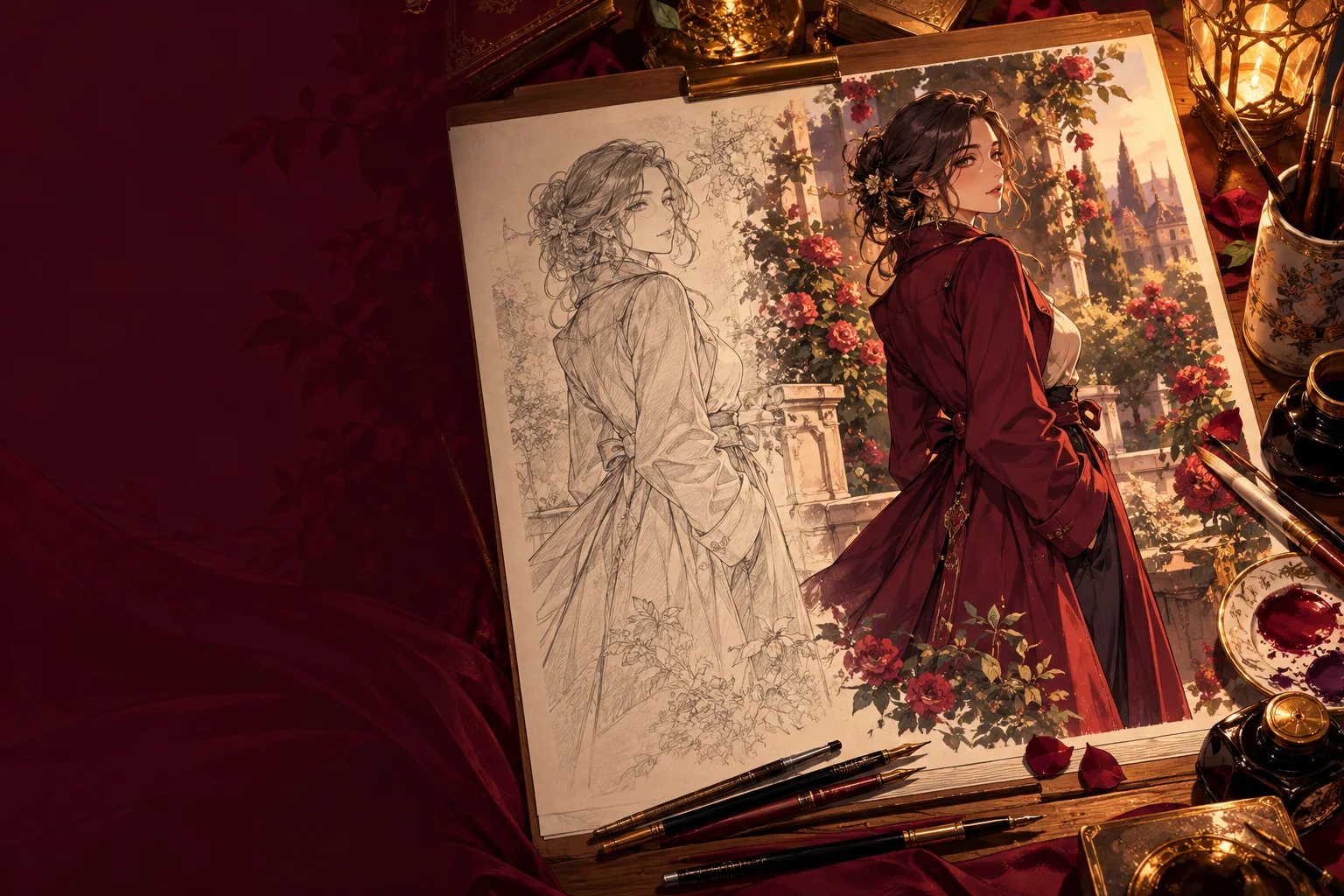
The model sees your drawing the way a camera does. Shadows from your hand, a tilted page or faint lines can turn into unwanted shapes. A scan or a straight-on photo with even daylight works best. Raising contrast before upload helps light pencil, and cropping to the drawing removes table edges and notes in the margin.
If you leave the aspect ratio empty, Seedream 5.0 Pro uses the supported shape closest to your first image, so the composition is not cropped by surprise. Choose a ratio yourself only when you want a different frame, for example extending a square sketch into a 16:9 scene.
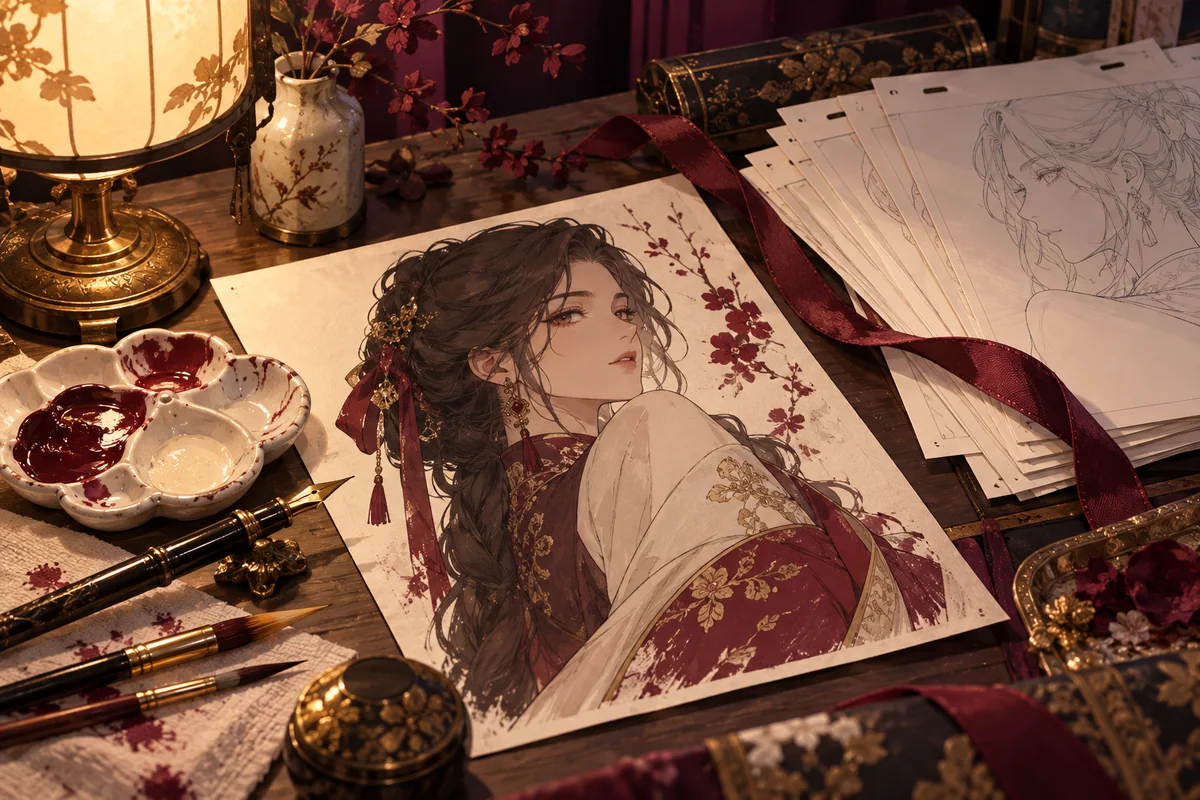
Tell the model what to keep and what to add
Split the prompt into two halves: the parts of the drawing that must survive, and the finish you want on top. Keep instructions concrete, such as “keep the pose, the hand on the railing and the camera angle”, rather than “keep it the same”.
- Keep the pose and composition of the sketch. Finished anime illustration of the adult woman, teal hair, cream knit sweater, warm evening café lighting, clean line art, soft cel shading.
- Keep the character layout from the line art. Add flat colour in a muted autumn palette, light paper texture, simple gradient sky behind the adult figure.
- Use the sketch for pose and the second image for colours. Adult knight in silver armour, sunset backlight, painterly background, crisp outlines.
- Turn the rough thumbnail into a detailed night street scene, neon signs, wet pavement reflections, keep the two adult figures where they stand.
Line art, colour roughs and extra references
Seedream 5.0 Pro image to image accepts up to ten reference images. One is enough for most sketches; a second can carry a colour rough or palette, and a third an outfit or background idea. Describe the role of each image in upload order so the model knows which one sets the pose.
Resolution is 1k, 1.5k or 2k. Start at 1k while you settle colours, then rerun at 2k for the version you keep. Choose PNG output when you plan to paint over the result, because it keeps hard edges and flat fills clean.
What a redraw changes
This is a redraw, not a trace. Expect the model to reinterpret line weight, hands, small props and sometimes proportions. When something important moves, name it explicitly in the keep half of the prompt and try again. Upload only drawings you made or have permission to use, and keep characters adult; the content policy applies to sketches as well as prompts.
Questions
- Will the result follow my lines exactly?
- No. The model redraws the image and can change line weight, hands and small details. Naming what must stay usually brings the result closer.
- Can I use a phone photo of a pencil drawing?
- Yes. Photograph it flat, in even light and without shadows, then crop to the drawing. Darker lines are easier for the model to follow.
- How many images can I upload?
- Seedream 5.0 Pro image to image accepts up to ten. Most sketches need one, plus an optional colour or outfit reference.
- Can I colour someone else’s line art?
- Only with the artist’s permission. Upload drawings you made yourself or have the right to use.
- What if I have no sketch yet?
- Start with the anime AI image generator guide, which works from a written description, then redraw your favourite result here.