
How it works
Describe the anime look with visible traits
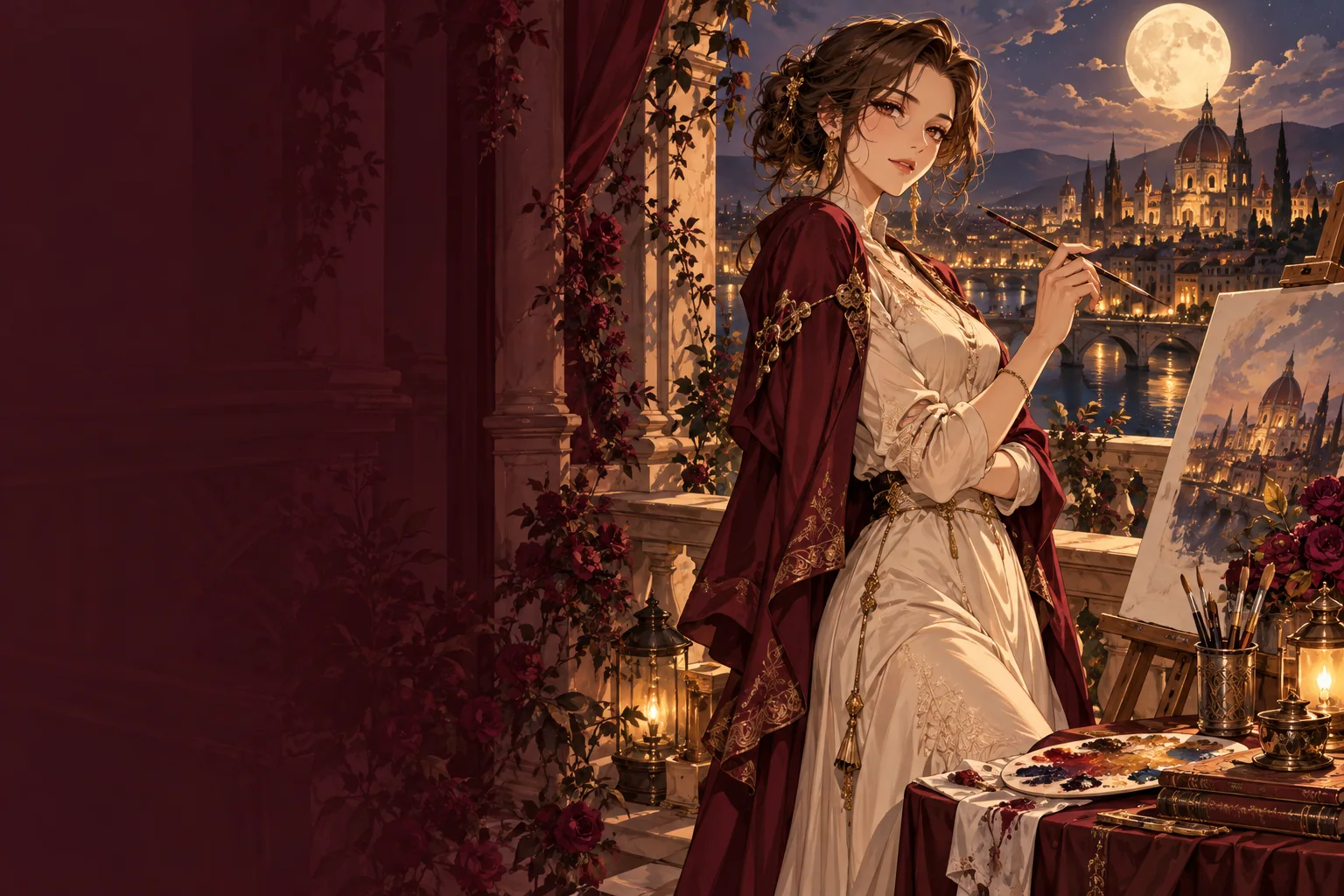
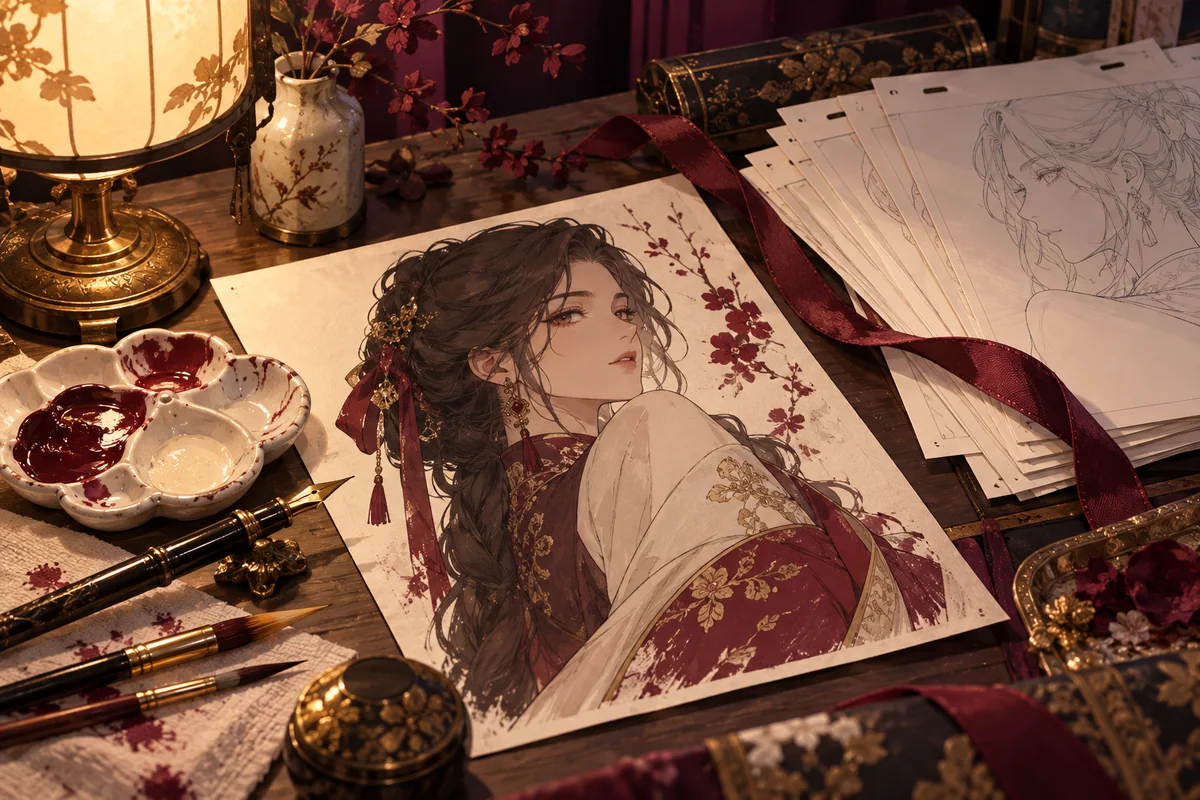
“Anime style” alone leaves most decisions to the model. Spell out what the finished drawing should show: clean ink outlines or soft painted edges, flat cel shading or gradients, a pastel or saturated palette, a detailed background or a plain one. These are things you can check in the result, which makes the next revision easier.
Order matters less than completeness. A reliable pattern is subject, outfit, pose, setting, light, then style. Describe adult characters as adults, with a stated age or an adult role, and adult proportions. Naming a living artist or a specific studio is less useful than describing the traits you like, and it keeps your image original.
Prompt examples to adapt
Each example is a complete starting point. Replace the subject and setting, keep the structure, and change only one part per attempt.
- An adult woman in her late twenties with a silver bob and a long navy coat, standing on a rooftop at dusk, city lights below, clean line art, cel shading, warm orange rim light.
- Two adult adventurers in travel cloaks sharing a map at a mountain campfire, wide shot, painted sky, soft watercolour background, crisp character outlines.
- Waist-up portrait of an adult barista with green braided hair in a cosy café, morning light through the window, pastel palette, gentle gradient shading.
- An adult swordswoman in fitted armour on a rain-soaked bridge, low camera angle, dramatic contrast, bold ink lines, deep blue and red palette.
Canvas, resolution and prompt optimization
Seedream 5.0 Pro offers fifteen aspect ratios, from 1:3 and 9:21 for tall phone art to 3:1 and 21:9 for banners. Portrait character art usually sits well at 2:3 or 3:4, while a landscape scene with several figures has more room at 16:9. Resolution is 1k, 1.5k or 2k; testing at 1k keeps early drafts quick, and you can rerun the prompt you like at 2k.
Prompt optimization is set to Standard, which rewrites your prompt in full before drawing. Fast uses a lighter rewrite and returns sooner, but it follows long or intricate descriptions less closely. PNG output keeps flat colour areas and fine lines clean, without compression artefacts; JPEG files are smaller.
Before you generate
Generating needs an account and Peppers from a one-time pack; the form shows the quote before you submit. Characters must be adults, and the content policy applies to every prompt. When you want the same character across several images, the character creator guide covers design sheets and reference images.
Questions
- Which model does this anime image page use?
- Seedream 5.0 Pro text to image is selected when the page opens. You can switch to another image model in the selector; the controls change with the model.
- Can I ask for the style of a particular anime?
- Describe the visual traits instead: outline weight, shading, palette and background detail. That gives the model clearer direction and keeps the result your own design.
- Will the same prompt draw the same character every time?
- Not reliably. Each run can change faces, hair and outfit details. For a recurring character, build a reference sheet first and use image-to-image with that sheet.
- What aspect ratio suits a phone wallpaper?
- 9:16 fits most phone screens. For a desktop wallpaper choose 16:9, and for an ultra-wide monitor or a banner, 21:9.
- Can I upload a picture as a starting point?
- This page starts from text. To redraw your own sketch or line art, open the sketch-to-anime guide, which uses image-to-image instead.