Write a description the model can draw
Start with what a stranger would notice first: age, build, hair and clothing. Then add one detail that belongs only to them, like an enamel pin on a lapel or ink-stained fingers. A small, specific detail gives the drawing a point of focus.
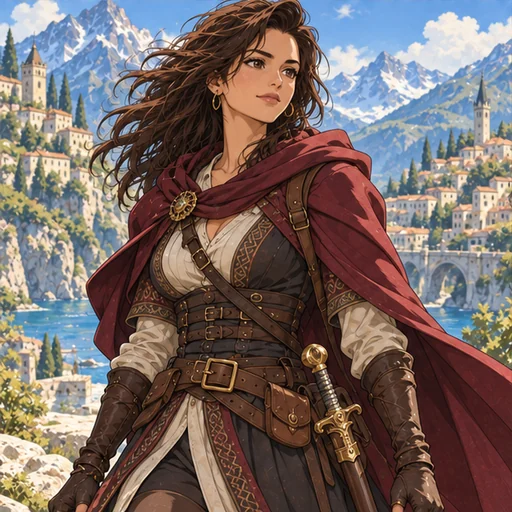
State the age plainly: “a 34-year-old bicycle courier” leaves less to guess than a vague adjective. Describe clothing as you would brief a costume maker, with garment, fabric and color. Work uniforms, formal wear and fantasy armor all work.
What to leave out
Build an original design from traits you can describe: a hairstyle, a favorite fabric or a distinctive silhouette. Keep names and logos out of the character description.
Choose a style and a framing
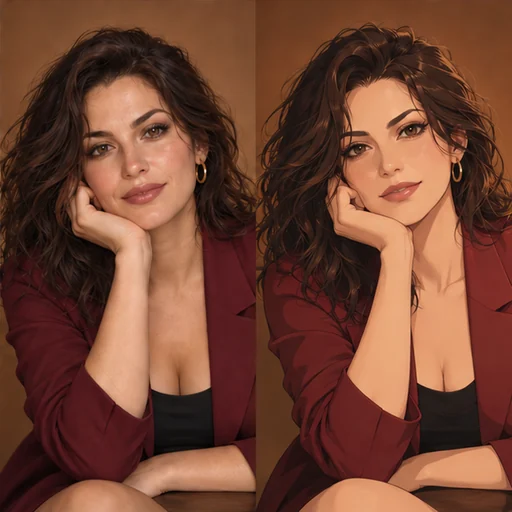
The Style chips are Cel shading, Watercolor, Retro anime, Painterly and Pastel. Each adds a short art direction to the style field, which you can edit. Cel shading gives clean outlines and flat color; Retro anime adds warm grain.
The Framing chips are Full body, Waist up and Three-quarter view. Full body suits an outfit design; the other two give the face more of the picture.
Portrait or square, Standard or High
Format has two options. Portrait 3:4 suits a full figure or a character sheet, and Square 1:1 suits a profile picture or a grid of variations. Flux 3 and Seedream 5.0 Pro both offer both shapes.
Quality is Standard or High. High uses a larger resolution tier and costs more on both models. The price for your exact choices appears before you generate, so test at Standard first.
Compare Flux 3 and Seedream 5.0 Pro
Both models read the same description and choices. To compare them, keep the text unchanged and generate once on each. Judge them by how closely they followed the details you named, such as the color of a coat, rather than by first impressions.
Check the drawing before you use it
Check the hands, clothing edges and patterns at a useful zoom. Look for the details you described, along with stray lettering or logos. If one detail needs another attempt, revise that sentence rather than replacing the whole description.
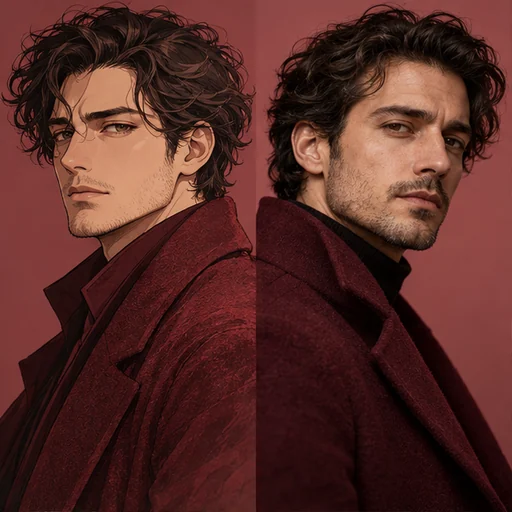
For a matching background, Anime Wallpaper Maker also works from a written scene. For a photographic take on a finished design, Anime to Realistic accepts an illustration you have the right to edit.