Start with an original adult character
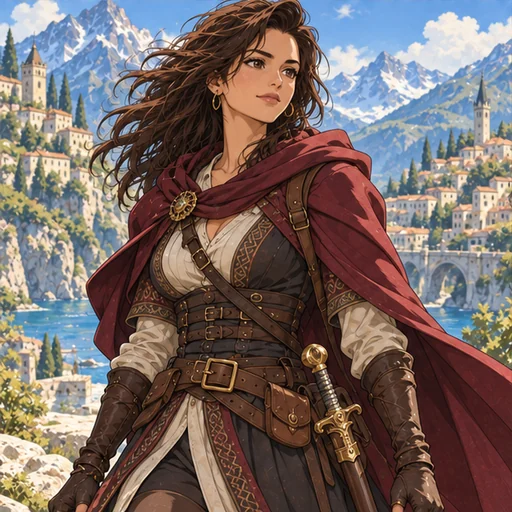
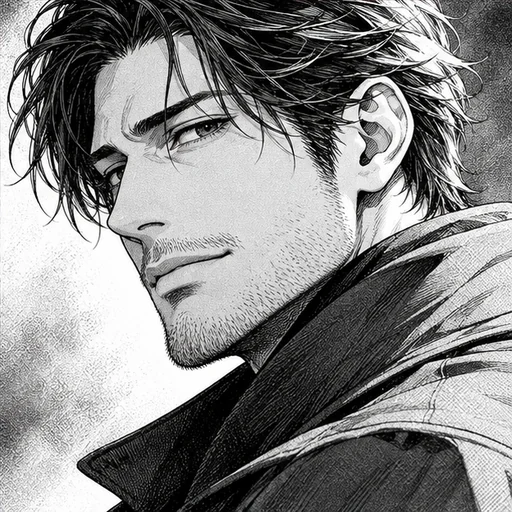
Upload an illustration of one clearly adult character, aged 25 or older. Use your own drawing, a commission that includes editing permission, or another original illustration you have permission to use. Choose a design with a visible face and clothing details the model can read.
The cleanest input is a single figure facing forward, from the waist up, on a plain background. Busy scenes, speech bubbles and text make it harder for the model to tell what belongs to the character.
What carries over and what changes
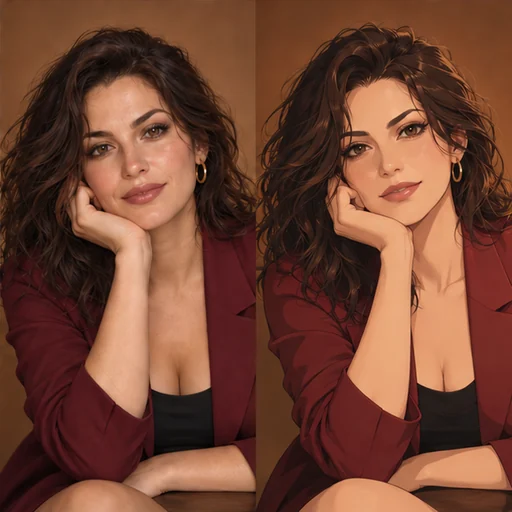
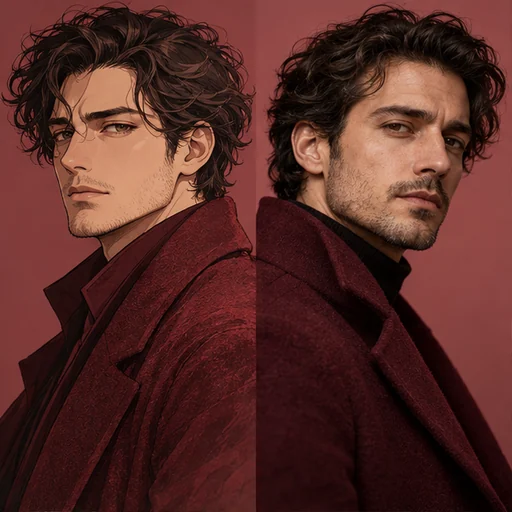
The reference guides hair, eye color, clothing and pose. The request asks for natural human proportions and a photographic finish, so proportions may differ from the drawing. Compare the result with the details you wanted to keep.
The image counts toward the same size limit as a photo. Flux 3 needs at least 256×256 pixels and no more than 4 megapixels, and the upload isn’t resized. The result keeps the shape of your illustration, matched by Flux 3 or set to the closest supported ratio by Seedream 5.0 Pro.
Choose a photo look
The Photo look chips are Studio portrait, Natural daylight, Film look and Golden hour. Studio portrait gives an even, neutral light that shows the costume clearly. Natural daylight and Golden hour place the character outdoors.
Adding design details
Use Extra details to name anything easy to lose, such as “keep the silver hair clip” or “the coat is dark green wool”. Real materials help the model decide how the fabric should look.
Pick a model and quality
Flux 3 and Seedream 5.0 Pro both accept your illustration and the same choices. Skin, hair strands and fabric texture benefit from High, which uses a larger resolution tier and costs more on both models. Test with Standard; the price appears before every generation.
Check realism and fidelity to the design
Check the skin for a waxy finish, the hands for merged fingers, and costume details such as buttons and straps. Then compare the outfit’s colors with your drawing. If the result still looks drawn, choose Studio portrait or Natural daylight and generate again.
To go the other way, from a photo of a real adult to an anime drawing, use Photo to Anime.