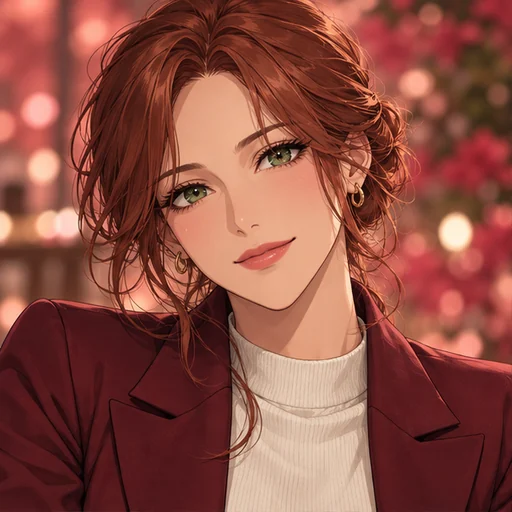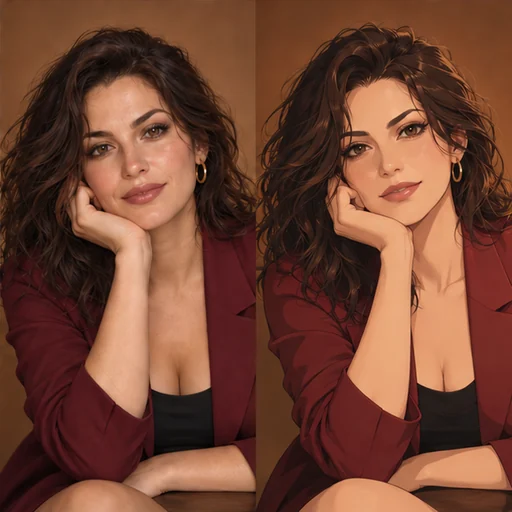
Pick a photo that redraws well
Start with one adult, face visible, lit evenly from the front or the side. Window daylight works better than an overhead lamp, which leaves dark hollows under the eyes. Remove sunglasses and keep hands away from the face.
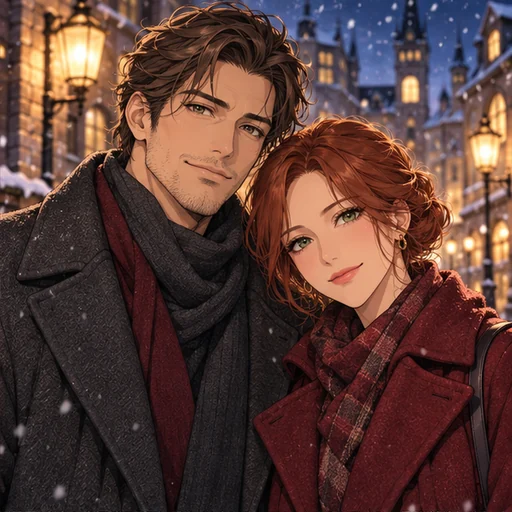
This page is built for one person. If your picture shows two adults together, Anime Couple Portrait handles both faces with its own guidance. Use a photo you took, one of you, or one of an adult who agreed to this use.
Check the size before using Flux 3
Flux 3 accepts images from 256×256 pixels up to 4 megapixels, and the upload is not resized for you. Multiply width by height to check. A 2400×1600 photo is 3.84 megapixels and fits; a 4000×3000 phone photo is 12 megapixels and needs a smaller copy first.
The result follows the shape of your photo. Flux 3 matches it, and Seedream 5.0 Pro picks the closest ratio it supports. Crop to the framing you want before uploading instead of relying on the drawing to fix it.
Choose a style and say what to keep
The Style chips are Cel shading, Watercolor, Retro anime and Painterly. Each fills the style field with a short art direction you can edit. Leave the field empty and the page uses a clean, modern anime look.
Using the details field
Use Extra details for the things that make the photo yours: “keep the round earrings”, “keep the striped shirt”, or “soft smile”. Short notes work better than long lists, and a note never locks a detail in place.
Standard or High quality
Standard uses the lower resolution tier for testing a style on your photo. High uses a larger tier and costs more on both models. The page shows the price for your selected model and quality before you generate. Check that live quote before confirming.
Review the drawing
Compare the drawing with the photo at a similar size. Check the eyes, glasses and hands, then any writing on clothes, which often turns into made-up shapes. If the face drifts, try the other model before changing the style.
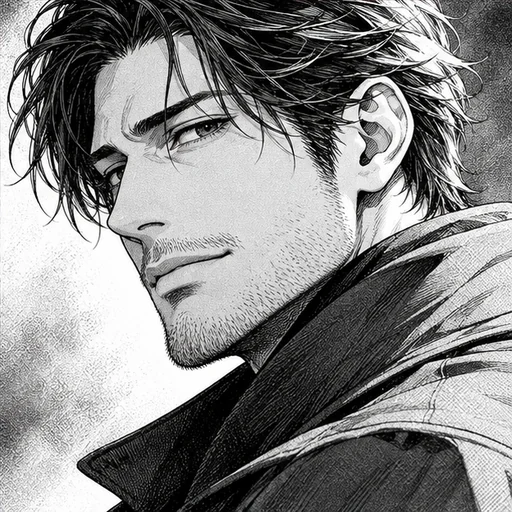
For a square profile picture, Anime Avatar is tuned for that crop. For a black and white version of the same photo, try Manga Portrait.