Describe a place, a time and a mood
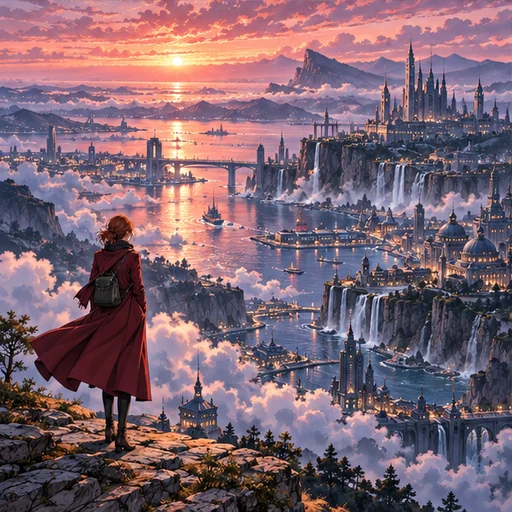
Wallpapers work best when they describe a place rather than an action. Give the location, the time of day and a little weather: “a quiet harbor at dawn, light fog, fishing boats moored in a row”. One strong light source, like a sunset, street lamps or a lit window, gives the picture a clear direction.
People are optional. If you include anyone, keep them small in the scene and describe them as adults. Avoid named places from existing series and logos; describe the qualities you like instead.
Portrait for phones, landscape for desktops
Format offers Portrait 9:16 and Landscape 16:9, and both Flux 3 and Seedream 5.0 Pro support both shapes. Portrait is the closer match for phone screens; landscape fits most monitors and laptops.
Screens vary. A phone taller than 9:16 crops the sides, and an ultrawide monitor crops the top and bottom. Keep anything important away from the outer edges and you’ll have room to adjust.
Leave room for the clock and icons
Every wallpaper on this page is asked to keep some calm space. The Empty area chips set where: Clear top for a lock-screen clock, Clear bottom for a dock, or Clear center with detail around the edges. You can describe your own position instead.
Setting and style chips
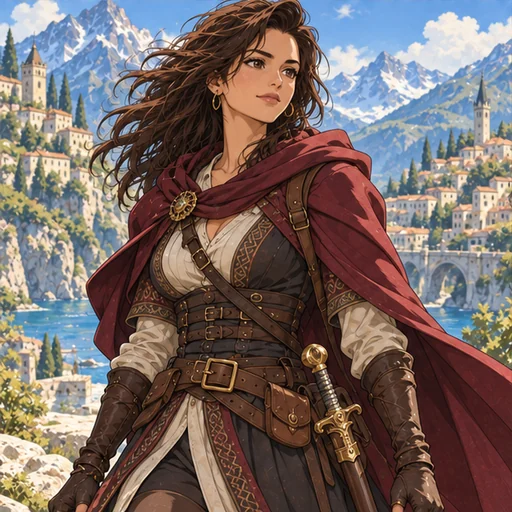
Setting chips include Starry sky, Seaside town, Forest path, Cherry blossoms, Neon night and Snowy night. Style chips are Watercolor, Painterly and Retro anime. Pick one of each at most, then add your own details in the scene field.
Quality and price
Standard is good for trying out scenes. High uses a larger resolution tier, which matters on large or high-density displays, and costs more on both models. The page shows the price for your exact model, format and quality before you generate.
Try it on your screen before you settle
Set the result as your wallpaper before judging it. Check that the clock and icons sit over a calm area, that no strange lettering appears on signs, and that horizons are level. On a phone, check both the lock screen and the home screen.
If the picture is close but the empty area is in the wrong place, change only the Empty area choice and generate again.