Pick a photo with real contrast
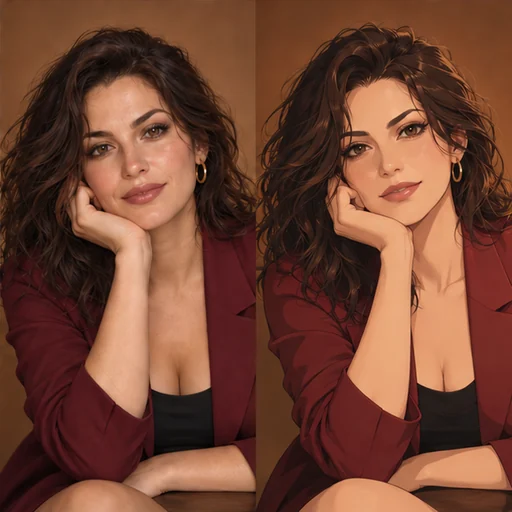
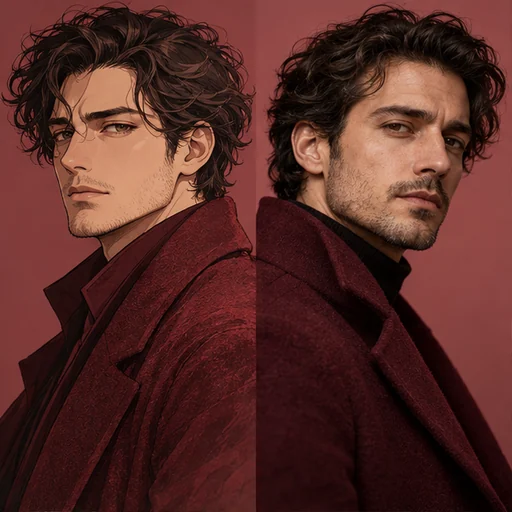
Ink drawings are built from light and shadow, so a photo with a clear lit side and a shadow side gives the model shapes to follow. Window light from one side is ideal. Flat flash or overcast light can come back as a pale face with little structure.
Choose one adult, face visible, without sunglasses. Use your own photo or one of an adult who agreed to this edit.
Size limits and framing
For Flux 3, every photo must be at least 256×256 pixels and at most 4 megapixels, and uploads aren’t resized automatically. A 2000×2000 crop sits right at 4 megapixels; anything larger needs a smaller copy.
The result follows your photo’s shape. Flux 3 matches it and Seedream 5.0 Pro uses its closest supported ratio. A tight head-and-shoulders crop gives the linework more room on the face.
Choose an ink style
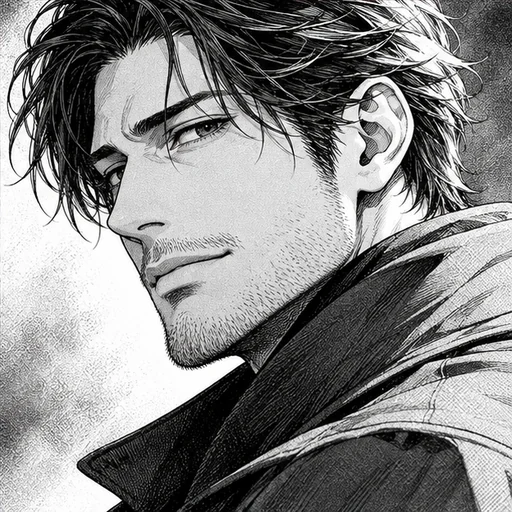
Screentone gives clean pen lines with dotted gray areas, the classic printed look. Brush ink uses bold strokes and large solid shadows. Pen hatching builds shading from fine crossed lines. Soft pencil is lighter and sketchier, still in black and white.
Keeping details
Use Extra details for things you want to survive the change: “keep the hoop earrings” or “keep the hair parted on the left”. Leave out colors, since they won’t appear in a black and white drawing.
Standard or High
Thin lines and halftone dots benefit from extra pixels, so choose High if you plan to print the portrait or view it large. High uses a larger resolution tier and costs more on both models. Standard is enough for screens and for testing an ink style; the price is shown before you generate.
Check the linework
Zoom in on the eyes, the hairline and the edge of the jaw. Good results have confident outlines there; weak ones go fuzzy or double up. Check the hands if they’re in the frame, and look for stray gray patches where halftone should be.
If you want the same photo in color, Photo to Anime offers color styles. For a square profile version, try Anime Avatar.