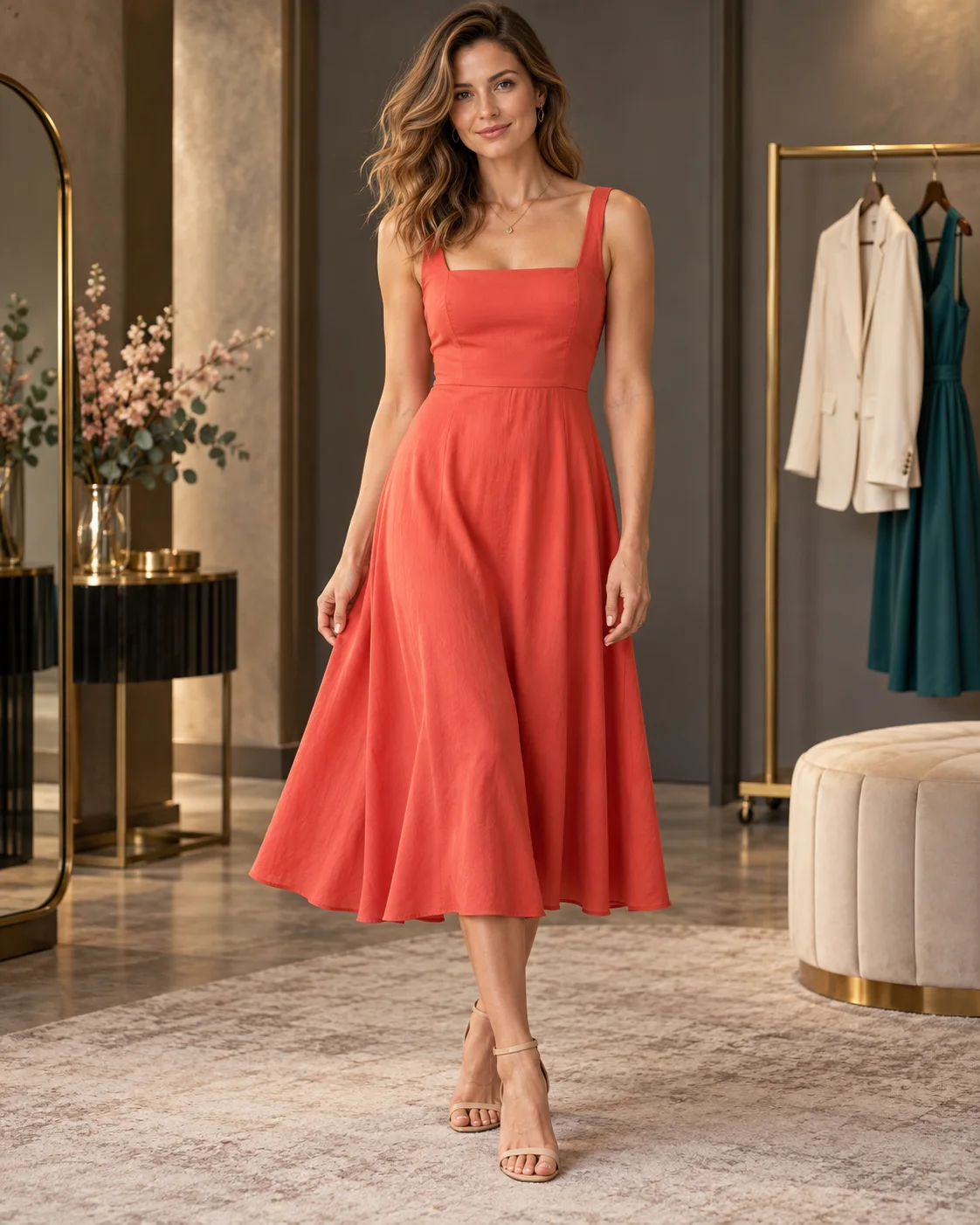
Choose a new setting for your photo
Upload a photo, then choose a place or describe the background you want. You can try a plain studio backdrop, a café or an outdoor setting without supplying a second image. The edit aims to change the surroundings while retaining the people in front.
Group photos are harder than single portraits: the new background has to fit around everyone, and overlapping people leave fewer clean edges.
Match the setting to the way the photo was taken
The place choices include City at night, Beach sunset, Mountain lodge, Cozy café, Flower garden, Modern office and Studio backdrop. Pick one, then review the background description and add any details that matter.
A close portrait leaves little space for scenery. A distant view or simple backdrop may suit it better than a room full of furniture. For a standing photo, think about where the person’s feet would meet the new ground. If they’re cropped out, don’t count on the edit to supply an accurate full-body view.
Say where the light should come from
For a garden background, mention whether you want shade or direct sunlight. For a café, you could ask for window light from one side. A brightly lit face against a dark evening scene can look out of place, so check the original light before choosing a setting.
Use the extra-details field for these refinements. Keep them consistent with the place you chose: adding a beach, an office and a night street to the same request makes it unclear which setting you want.
Choose a model and quality
You can choose Flux 3 or Seedream 5.0 Pro, with Standard and High quality options. Both work from your uploaded photo and written background request. Review the current price before generating.
A setting lit like your photo is easier to match: an indoor shot usually sits more naturally in a café than on a sunny beach.
Pick a photo with clear edges
If you shrink a large photo to fit Flux 3’s 4 megapixel limit, keep the outlines of the people sharp; a blurred edge is harder to place in a new scene.
Choose a source with a clear outline around the people. Hair against a similar-colored wall, glass objects and furniture crossing the body can make the boundary harder to separate.
Look closely at hair, hands and shadows
Check the hairline, shoulders and gaps between the arms and body. Look for leftover pieces of the old background, unexpected objects and shadows that point in the wrong direction. Compare faces and clothing with the original rather than judging only the scenery. If you like the existing background and only want warmer or more dramatic light, try the portrait-lighting template instead.