Leave space around the dancer
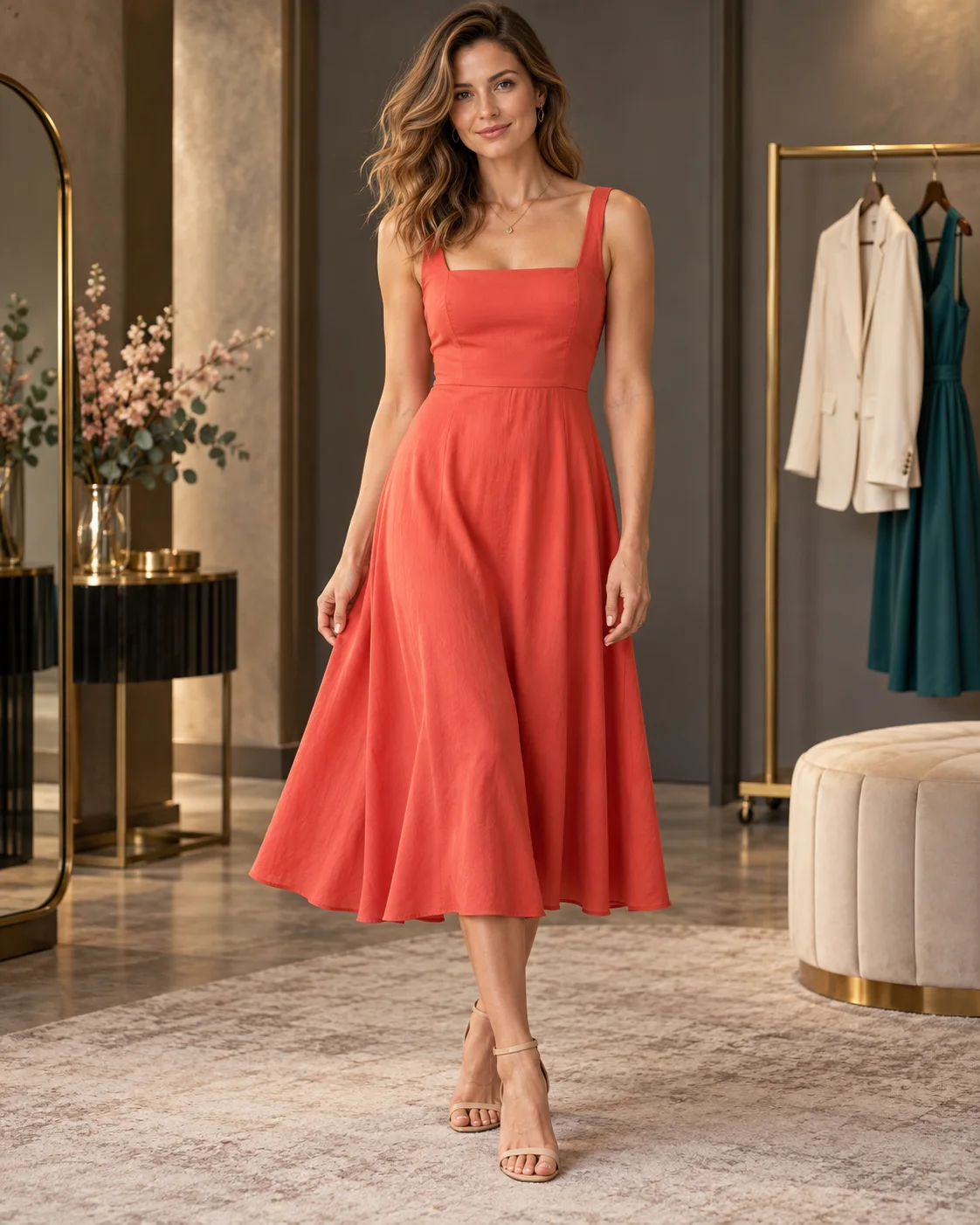
Upload one clear photo of a fully clothed adult who agreed to the animation. A standing pose with the full body or at least the knees visible works better for describing a dance than a tight headshot. Keep the arms visible, with room around the hands and feet.
Your photo becomes the first frame. If the feet are cropped out or the arms disappear behind furniture, the model has to invent those parts as the person moves. Choose a simple background and avoid photos with other people close to the dancer.
Choose the movement, then the lights
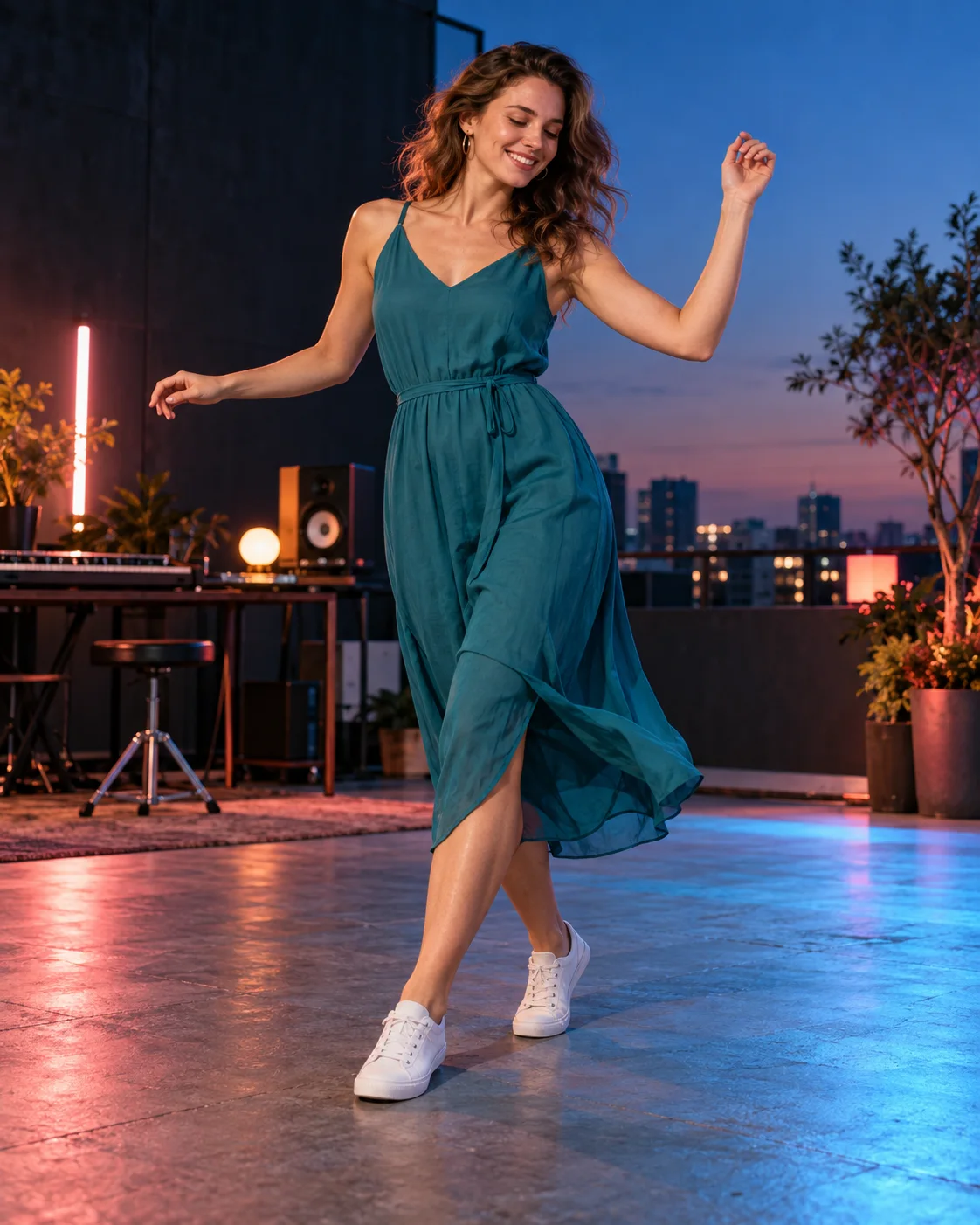
Choose social, club, slow or freestyle, or describe the dance yourself. Social suits relaxed steps; club calls for more energy. Slow movement gives you time to watch the face and posture. Keep extra details short: a gentle turn followed by a smile is clearer than a whole routine compressed into a few seconds.
For lighting, choose club lights, golden hour, neon night, studio lighting or party lights. Pick one look that suits the photo. You can keep a quiet dance softly lit or give a club dance brighter color without asking for several changes of scene.
Frame a five or ten second clip
MiniMax H3 and Wan 3.0 both start from your uploaded photo and offer five or ten seconds. There’s no separate picture format setting for this effect, so choose the crop in your source photo. A longer clip gives the dance more time, though faces and clothing can still drift.
Choose a full body view to see the steps, a gradual move closer for expression, an orbit or a music video style. Keep the camera steady if you’re already asking for busy footwork. The motion is generated from a single photo; exact choreography and timing aren’t guaranteed.
Check the steps before adding music
Watch the full video, especially the feet against the ground and the hands during turns. Check the face as the camera moves too. If a step bends awkwardly or an outfit changes halfway through, simplify the movement or camera direction on another run.
Your finished video is saved in your private library for review and download. Don’t rely on generated audio: it depends on the model and isn’t guaranteed. Add a particular song or adjust the timing in a separate editor if that matters to your clip.