Start from a centered head-and-shoulders photo
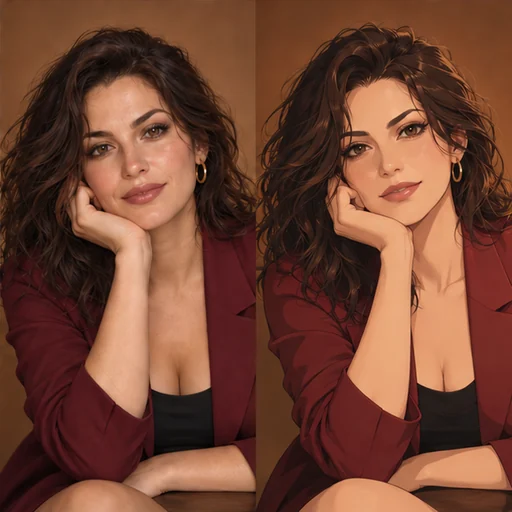
Profile pictures are shown inside a small circle or square, so the face carries almost everything. Choose a photo of one adult from mid-chest up, looking toward the camera, in even light. A selfie at arm’s length works if the lens isn’t close enough to stretch the nose.
Use your own photo, or one of an adult who agreed to it. An avatar often represents someone publicly, so check that the person is happy with where it will appear.
How the square format changes your photo
Both Flux 3 and Seedream 5.0 Pro are set to a 1:1 result on this page. A portrait photo loses some height and a landscape photo loses some width, and the model may redraw the edges to fit. Crop your photo close to a square before uploading if you want control over what stays in frame.
For Flux 3, the photo must be at least 256×256 pixels and no more than 4 megapixels, and it isn’t resized automatically. A 1500×1500 crop is about 2.25 megapixels and fits comfortably.
Pick a style and a background
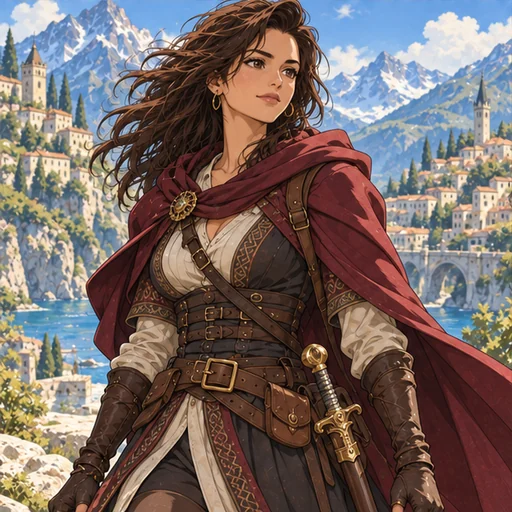
The Style chips are Cel shading, Pastel and Painterly. Cel shading keeps crisp outlines that survive being shrunk; Pastel gives a lighter, airier look; Painterly adds texture that shows best at larger sizes.
Backgrounds that read at small sizes
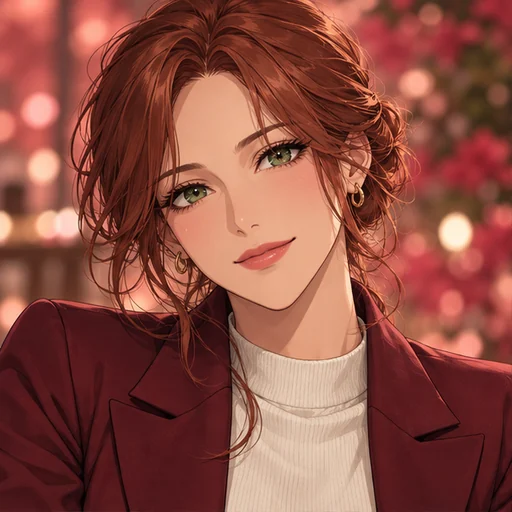
Plain color, Soft gradient, Bokeh lights and Bright sky are the background choices, and you can write your own instead. A color that contrasts with the hair keeps the outline clear. Leave the field empty to keep a simple backdrop.
Quality and price
Standard is plenty for most profile pictures, which are displayed small. High uses a larger resolution tier and costs more on both models; it’s worth it for a banner or print. The quote shown before you generate reflects the model and quality you picked.
Test the avatar where it will be used
Shrink the result to the size your app uses before deciding. Check that the eyes stay distinct, the hair separates from the background and nothing important touches an edge a circular crop would cut.
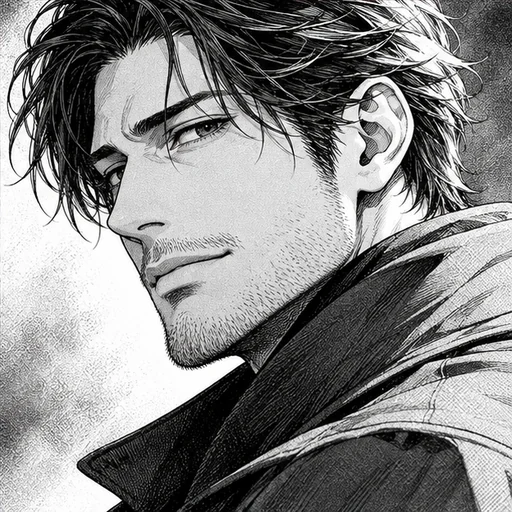
For a full-length drawing instead of a profile picture, use Photo to Anime with the original framing. For a black and white take, Manga Portrait works from the same kind of photo.