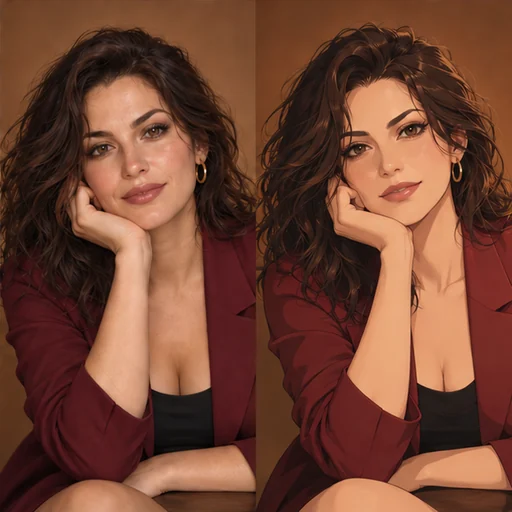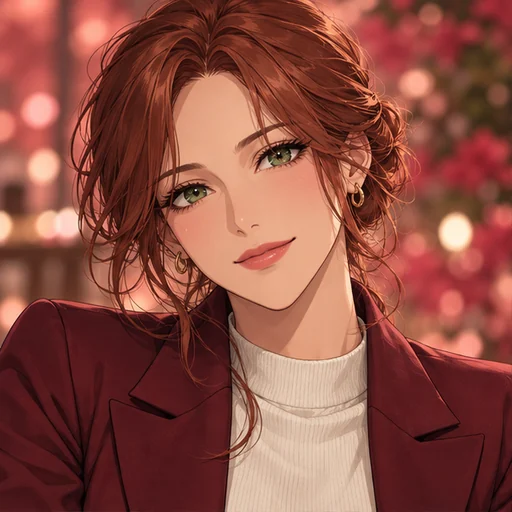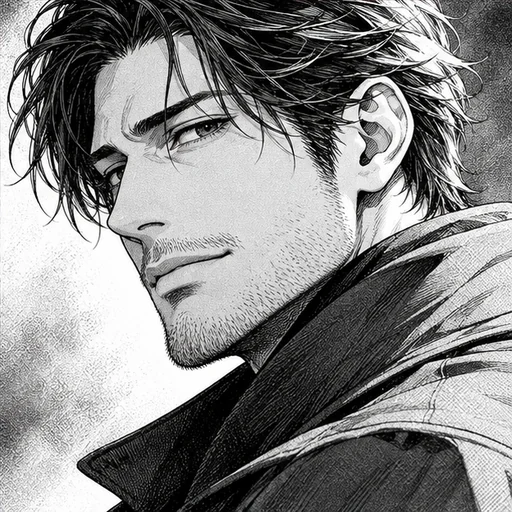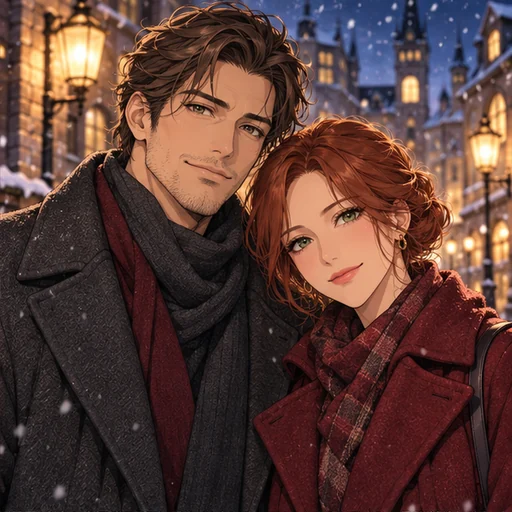
What makes a good couple photo for this page
Use one photo with both adults in it, both faces clearly visible. Shoulder to shoulder, arm in arm or a relaxed lean all redraw well. A face turned away or hidden gives the model too little to work with.
Both people should have agreed to have the photo edited, and you should have the right to use it. This is a portrait tool for a picture you already share. It isn’t meant for placing someone into a photo they weren’t in.
Prepare the file
Flux 3 needs an image of at least 256×256 pixels and no more than 4 megapixels, and the upload isn’t resized. Group photos straight from a phone are often 12 megapixels, so export a smaller copy and keep both people inside the crop.
The result keeps the shape of your photo: Flux 3 matches it and Seedream 5.0 Pro uses the closest ratio it supports. A horizontal photo usually suits two people standing side by side.
Choose a style and a setting
Style choices are Cel shading, Watercolor and Retro anime, and you can write your own art direction instead. The setting field starts from your original background, redrawn in the same style.
Changing the background
Keep background, Cherry blossoms, Cozy café, Golden hour and Snowy night are the setting chips. Pick one, or describe a place that means something to you, like the path where you take weekend walks. A new setting changes the light too, so expect the colors on your clothes to shift.
Pick a model and quality
Flux 3 and Seedream 5.0 Pro both accept the same photo and choices. If one model mixes up details between the two of you, such as swapping hair colors, the other may handle it better. High quality uses a larger resolution tier and costs more than Standard on both models; the price appears before you generate.
Check both people, not just one
Check each face separately, then the places where hands, arms and shoulders overlap. Compare each person’s hair and clothing with the source photo. If one face follows the source and the other drifts, try the other model.
For a single portrait of either of you, Photo to Anime and Anime Avatar work from one-person photos.