
How it works
What an “uncensored AI image editor” can mean
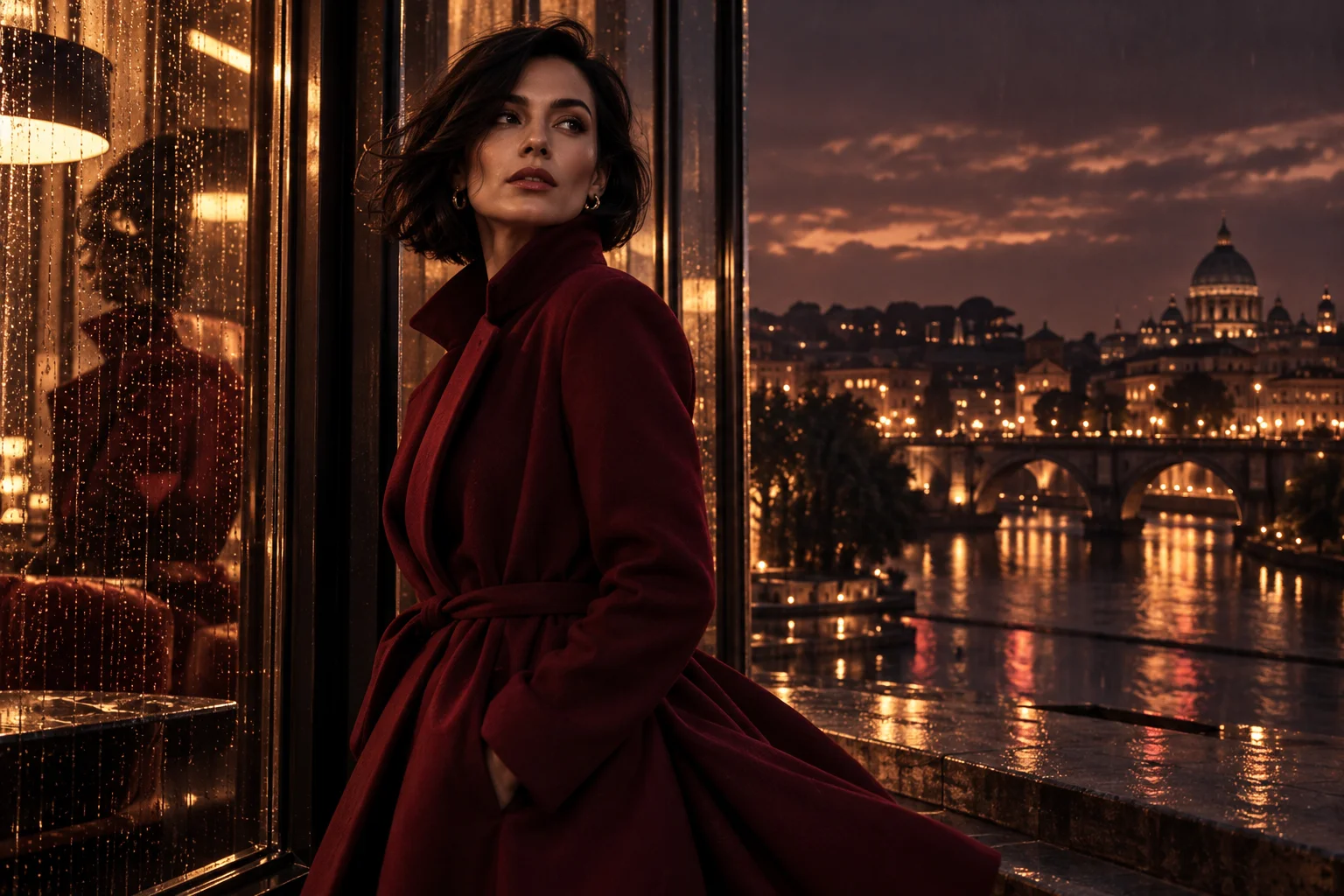
People searching for an uncensored AI image editor may want broader control over an artistic portrait, a fashion scene or a stylized character. Here the task is reference-based image editing: a source picture and a written instruction guide a new output. The phrase is not a promise to remove a model’s content restrictions.
The selected Qwen Image 3.0 editor accepts reference images and exposes its own output controls. It is not marked Spicy. You can compare other image editors in the model selector, but changing models does not guarantee that a declined request will be accepted. Judge the editor by its fit for your composition and intended change.
Write an edit the model can follow
A useful instruction identifies both the replacement and what must remain. Try: “Keep the adult subject’s pose and the original framing. Replace the plain backdrop with a softly lit photography studio and change the jacket to dark velvet.” Concrete objects, materials and lighting are easier to compare with the result than a request to make the picture better.
Several unrelated changes can pull the image in different directions. Work through the background, clothing and color treatment in separate drafts when needed. If you add multiple references, explain each image’s role and keep their appearance consistent. The upload slots show how many references the selected model accepts.
Keep the details that matter
Reference editing creates a new image rather than promising an exact pixel-preserving retouch. Check the face, hands, accessories, lettering and background edges against the original. A request to keep a feature is guidance, not a guarantee of identical identity or composition. Save the source so you can compare revisions without losing your starting point.
The account library holds your generated results for review and download. Before each submission, check the selected model, output settings and credit quote. Use images of consenting adults only; unauthorized intimate edits and sexual impersonation of real people are prohibited. If you want a new picture with no source image, use Text to Image instead.
Questions
- Is this an uncensored editor with no content rules?
- No. Model and provider rules still apply, as does the site’s content policy. The term describes the search intent, not a way to bypass those rules.
- Can I change clothing or the background?
- You can describe an outfit, background or style change using an authorized source image. The selected editor determines whether it accepts the request and how closely the result follows it.
- Will the face remain exactly the same?
- Exact identity preservation is not guaranteed. Ask for the important features to remain, use a clear source and compare the finished output carefully.
- When are editing credits charged?
- The form quotes the required Peppers before you submit and reserves them when the request starts. A confirmed failure or expiry releases the reservation. Each new edit has its own quote.