
How it works
Use movement as an instruction
Uncensored AI motion control describes a search for creative control over a generated performance. Here a still image supplies the character reference and a video supplies movement guidance. The selected Kling model is a standard model, not a Spicy-labelled option, and its rules still apply. The output is a video rather than an edited still image.
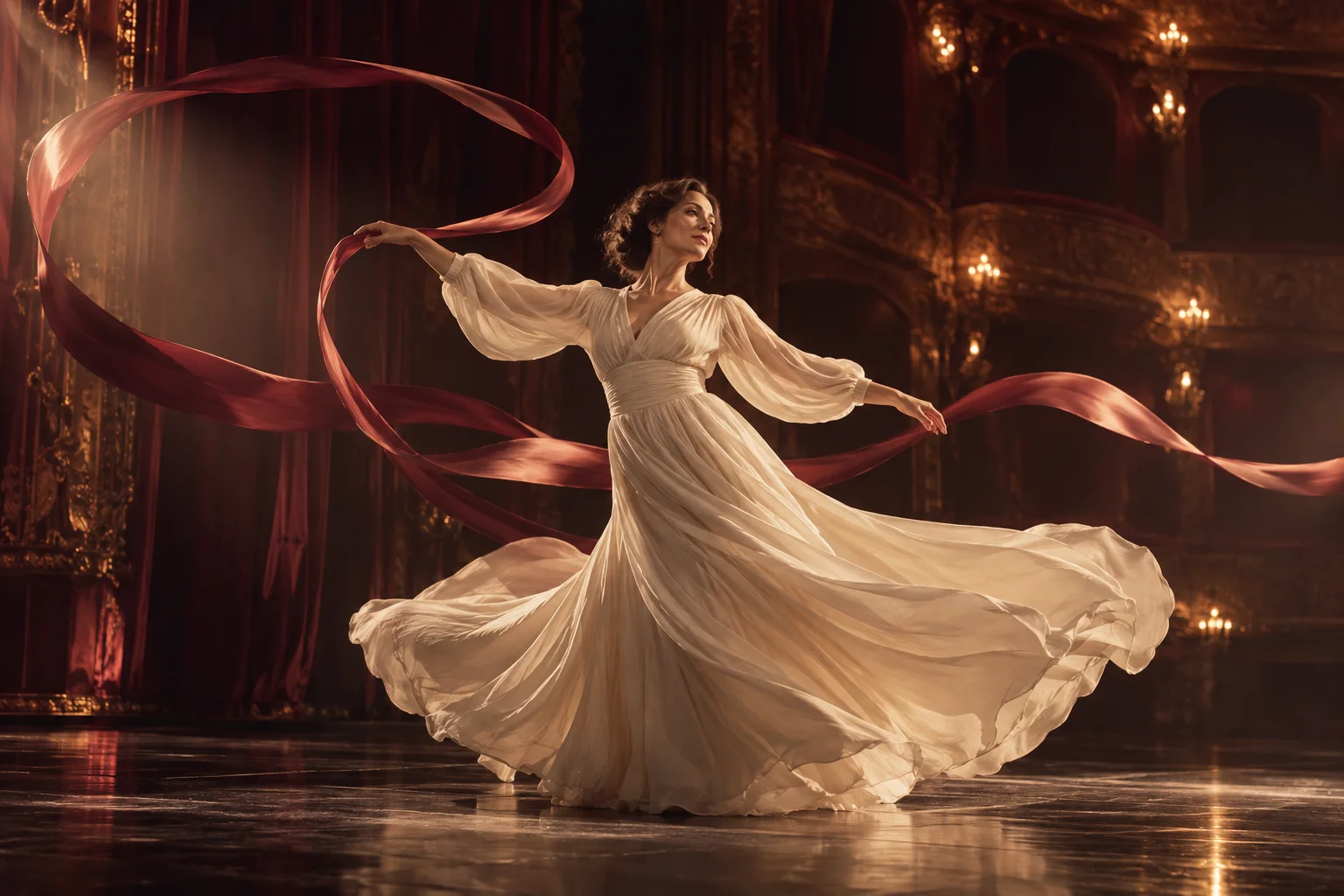
This is useful when a gesture is easier to show than to explain in words: a slow turn, a short walk or a simple dance phrase. Choose a source with a readable beginning and end. A clean movement reference gives you a clearer basis for reviewing the result than a montage of unrelated actions or rapid camera cuts.
Match the framing before adding detail
A close-up character portrait and a full-body movement clip ask the model to invent parts of the body that are absent from the image. Start with compatible framing and a similar camera angle. Keep hands and feet visible when they matter to the action, and choose a background that does not obscure the outline of the performer.
The character-orientation setting lets you choose the image or the video as the available orientation reference. Pick it deliberately instead of assuming the output will follow both. Use the prompt to describe the desired scene and any details to keep, while allowing the source clip to carry the main movement instruction.
Review motion and audio separately
Watch the complete result rather than judging only the first frame. Check joint movement, hand placement, face changes, clothing continuity and the point where the action ends. A motion reference guides generation; it does not promise identical choreography or frame-by-frame tracking. For a cleaner revision, change the source framing or one instruction before replacing every input.
The original-sound control concerns audio from the source video. Keep it only when you have the rights to use that audio and it suits the result; it is not a request for a new soundtrack. Review the model and credit quote before submitting. Completed videos appear in your account library, where you can compare them with the original movement clip.
Questions
- Which references are required?
- The selected workflow requires a character image and a source video. They occupy separate upload slots because they guide different parts of the result.
- Does this replace a general video editor?
- It guides a new generated performance from an image and movement clip. For broader changes to existing footage, use the separate video-editing workflow.
- What does keeping original sound do?
- It requests retention of sound from the source video. It does not mean the model will compose a new soundtrack for the scene.
- Will every gesture match the source exactly?
- No. Inspect the full result for motion and appearance changes. Compatible framing and a clear source action make the intended movement easier to describe and evaluate.