
How it works
Give every source a purpose
An uncensored AI reference-to-video search usually starts with material the creator wants to carry into a new scene. The workflow can use references to guide the output rather than relying entirely on a description. The standard model selected here still applies its own rules, and all uploaded material must follow the site content policy.
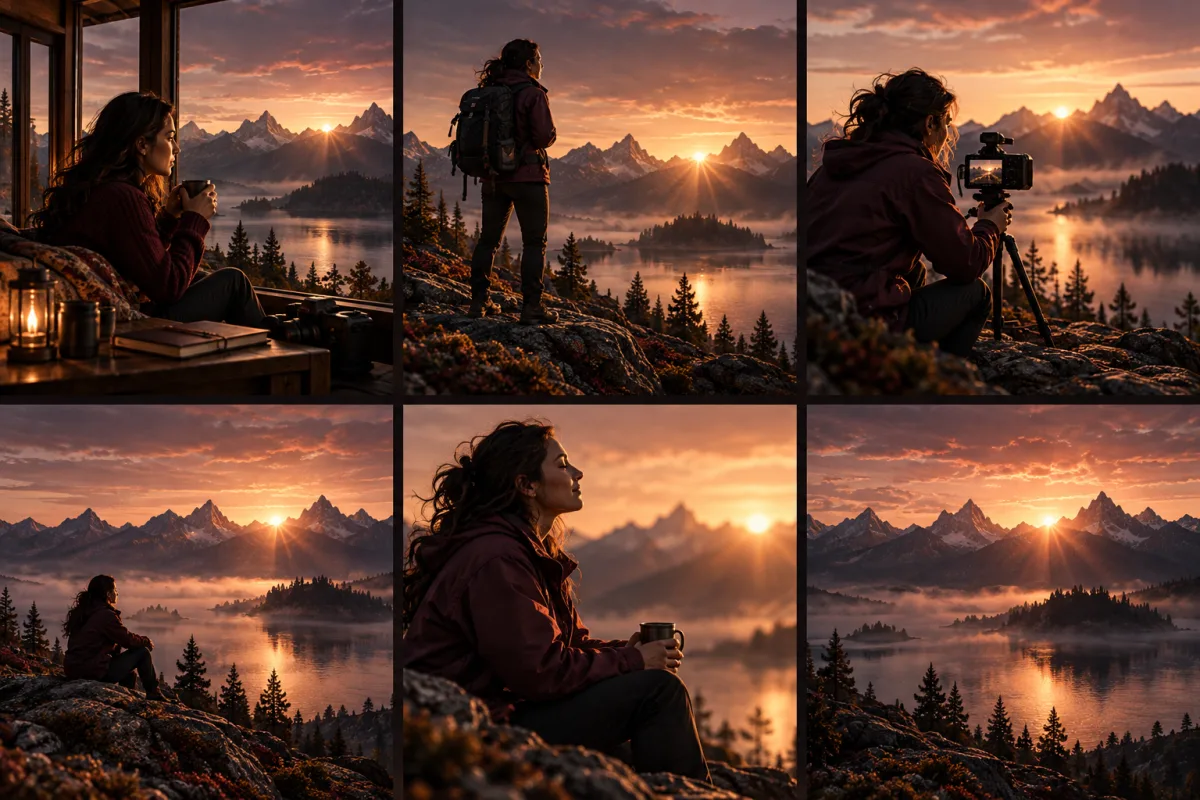
Think of the reference set as a brief: one picture may establish an adult character’s clothing, another may show the room, and a short clip may suggest movement. More files do not automatically produce a better result. Begin with the smallest set that explains the scene, then add another source only when it resolves a specific ambiguity.
Avoid conflicting visual instructions
Two reference images with different outfits or strongly different lighting can make the intended appearance unclear. Say which source defines the subject and which supplies only the environment. Describe the final composition in the prompt instead of assuming the model will merge every visible detail. Keep camera height and framing compatible with the motion you want.
For example: “Use the adult performer’s dark coat from the portrait, the warm theatre lighting from the room reference, and a slow forward walk. Keep the camera at eye level.” This assigns roles without requesting a literal collage. Review the result for unwanted mixing of faces, clothing or locations before changing several references at once.

Budget time as well as reference slots
The upload controls show which media types and file counts the selected model supports. For Wan 3.0, reference video time and generated output time share a total duration limit, so a long source clip reduces the time available for the result. Trim references to the relevant moment and check the form’s validation before submitting the request.
An audio reference, generated sound and a motion reference serve different purposes; do not assume a source clip will be reproduced exactly. Check the selected sound setting and listen to the completed output. Sign in, review the Peppers quote and submit when the brief is consistent. Keep your source files for comparison while reviewing the new video in your library.
Questions
- Must I provide every supported media type?
- No. Choose the references that help your scene and meet the form’s requirements. An unnecessary image, video or audio file can add conflicting information.
- Is a reference image always the first video frame?
- Not necessarily. A reference can guide appearance or setting. Use a dedicated image-to-video workflow when you want to supply a starting frame.
- Why can a reference clip limit the output duration?
- The selected Wan 3.0 workflow has a combined time budget for input videos and the generated result. Shorten the source or requested output to fit the displayed validation.
- Will the video copy my references exactly?
- No exact reproduction is guaranteed. Explain each source’s role and inspect the result for identity, setting, motion and sound consistency.