Choose a camera angle
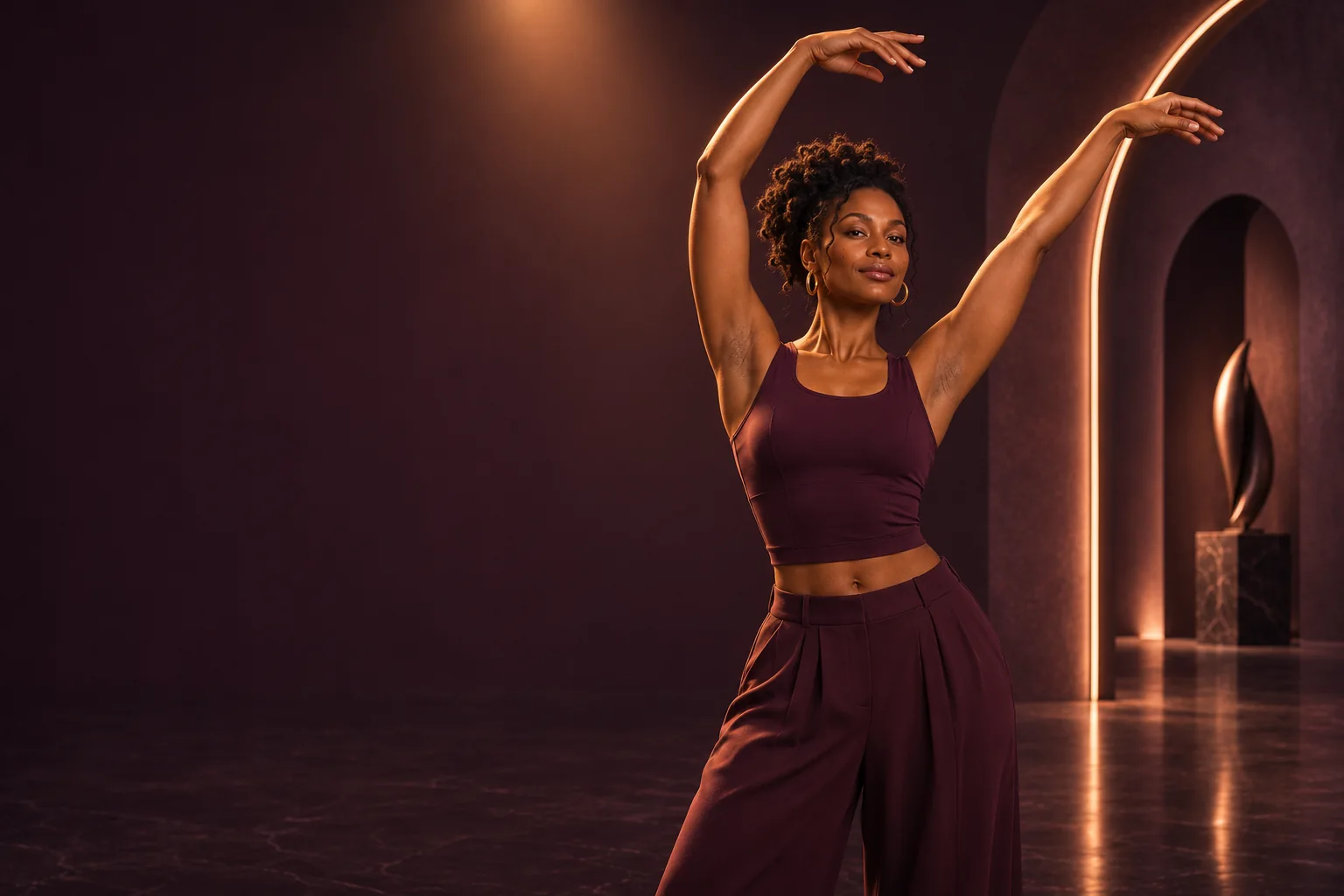
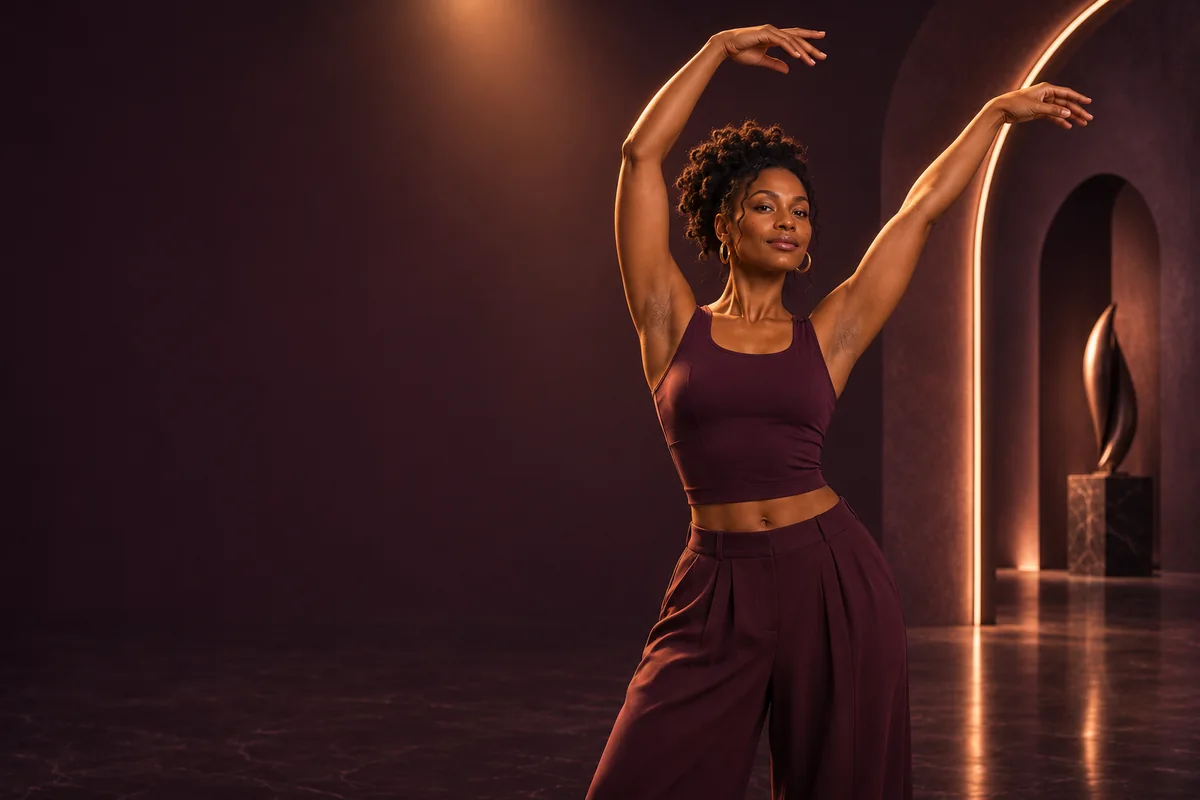
An arm lifted above the head makes a compact pose feel more open, but it can also cover the face or leave a hand outside the frame. Begin with a medium or waist-up shot and ask for a little space above both hands. If one arm bends, state whether its elbow points outward or forward. Pick a three-quarter view when you want the shape of a sleeve opening to be visible on one side.
Describe the details you want to keep
A clear raised-arm prompt gives each arm a separate instruction. Ask for the right hand above the head and the left forearm angled away from the torso, for example. Add the sleeve length and fabric, then describe a single light source that separates the arm from the background. A matte cotton T-shirt is a useful first study because its folds are easier to check. Move to loose layers once the shoulder and elbow positions look plausible.
What to check in the result
Look at the point where each upper arm meets the garment and trace it through the elbow to the wrist. The sleeve hem and underarm folds should follow the lift without appearing fused to the torso. If one hand disappears, try a little more headroom or keep one arm lower. If two arms appear to overlap, place the subject against a plain backdrop and angle the shoulders slightly. Fix the silhouette before adding movement effects or multiple people.
A starting prompt
Waist-up contemporary dance photograph of an adult in an opaque slate cotton T-shirt, right hand above the head, left arm bent outward with the hand visible, shoulders turned slightly, room above both hands, soft stage light, dark violet studio.
Change one detail at a time
Start with one hand higher than the head and the other at roughly shoulder height. After the pose reads, keep the elbows in place and swap the studio light to the opposite side. Compare whether the new shadow still leaves a visible gap between the raised arm and the head. This is easier to judge before adding dance motion blur. Keep the camera and light consistent when you want to compare two designs.
Questions
- Can I use a reference image?
- Yes, when you switch to a model that accepts an image input. Use an image you have permission to use. For photos of people, use your own photo or one of a consenting adult whose age is clear. A reference can guide a pose or garment shape, but the result can still vary.