Choose a camera angle
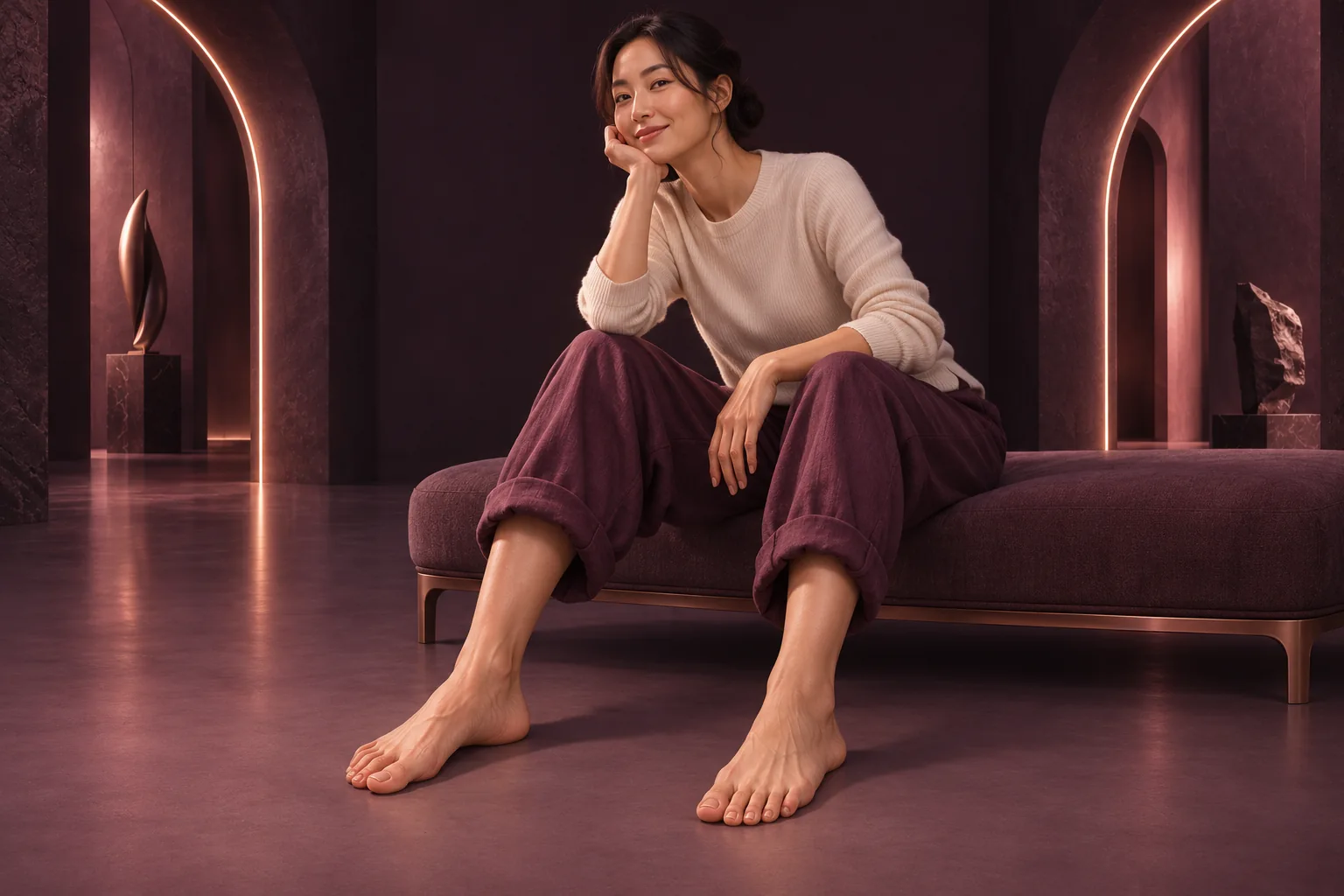
Begin with a view that shows the part of the shoe you want people to notice. A three-quarter view at ankle height can show both the toe box and the outer side. For a catalog flat lay, look straight down and separate the shoes enough to see each outline. If the shoes are worn, name a stable position, such as both feet on the studio floor. Leave a clear margin around the soles so the crop does not hide the product shape.
Describe the details you want to keep
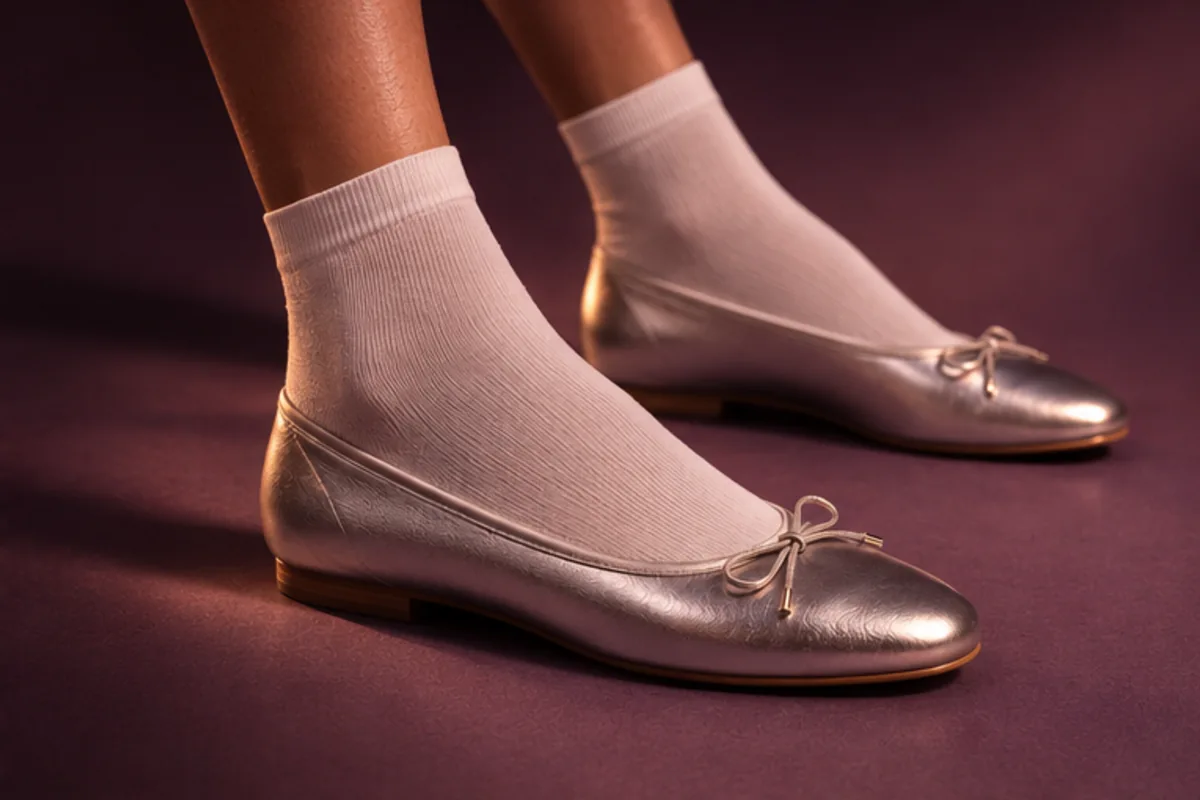
Describe footwear from the ground up. State the sole type, the toe shape and the upper material, then add the actual closure if it matters. Silver ballet flats with a round toe and a thin matte sole are easier to distinguish from a random pair of shoes than silver shoes alone. White ankle socks or opaque hosiery can give the shoe edge a clear visual boundary. Use one studio surface and a broad light to keep reflections readable.
What to check in the result
Scout the heel and toe of both shoes before selecting an image. Shoes in a pair should match in design and differ naturally in their left and right construction. Watch for a missing strap, a heel floating above its shadow and fabric that melts into the foot. If those details are important for retail or design approval, compare against a permitted product reference and use the result as a draft until the construction has been verified.
A starting prompt
Studio fashion photograph of a pair of silver round-toe ballet flats worn with opaque white ankle socks, both feet resting on a violet paper sweep, three-quarter view at shoe height, thin matte soles, large softbox from the left, subtle shadows beneath the heels.
Change one detail at a time
Make an ankle-height view and, separately, a photograph from directly overhead. Keep the shoe design and surface the same, so the two images show the difference in angle. Use the ankle-height view to judge sole thickness and the overhead view to compare toe shape and spacing. If the model changes the closure between views, specify it in both prompts. Keep the camera and light consistent when you want to compare two designs.
Questions
- Can I use a reference image?
- Yes, when you switch to a model that accepts an image input. Use an image you have permission to use. For photos of people, use your own photo or one of a consenting adult whose age is clear. A reference can guide a pose or garment shape, but the result can still vary.