
GenSpicy
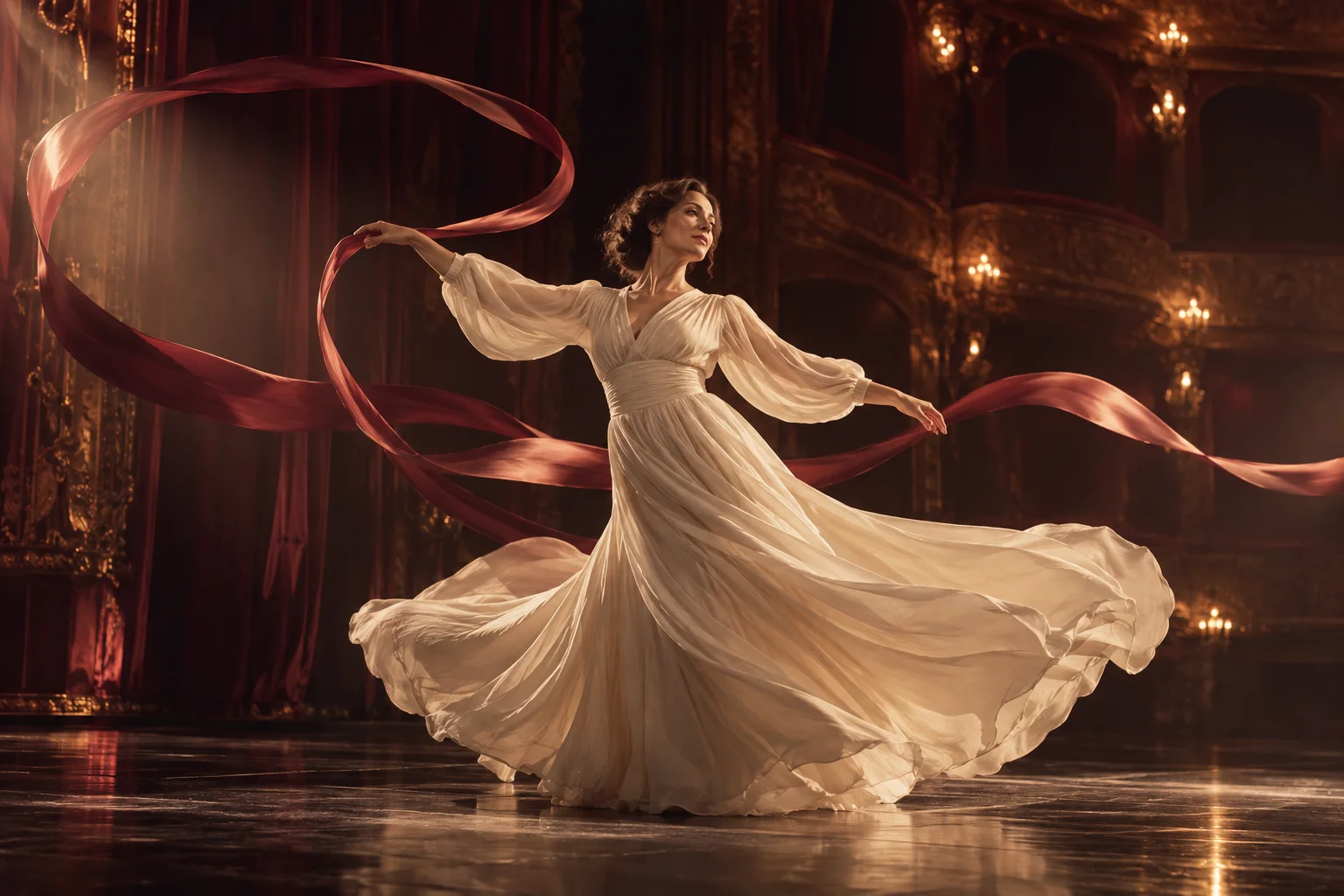
A dancer in a flowing ivory dress traces a ribbon through a softly lit theatre.
Original concept illustration

Kling 4.0 Reference to Video for Multi-Input Scenes

Use reference images, videos and audio to direct a new scene. The inputs guide different things: images establish appearance, video guides movement, and audio guides voice or sound. Refer to them in upload order as @Image1, @Video1 and @Audio1. You can combine up to fifteen files, within each input type’s limit.

Kling 4.0 · 18+ · Reference to Video

Kling specifications

Published model settings · checked 2026-10-23.
ModelWorkflowInputsLast frameDuration (s)ResolutionAspect ratioAudio toggle
Kling 4.0Reference to videoReference images (optional), Reference videos (optional), Reference audio (input) (optional)Last frame: No3 / 4 / 5 / 6 / 7 / 8 / 9 / 10 / 11 / 12 / 13 / 14 / 15 / 16 / 17 / 18 / 19 / 20 / 21 / 22 / 23 / 24 / 25 / 26 / 27 / 28 / 29 / 30720p / 1080pauto / 16:9 / 9:16 / 1:1 / 21:9Audio toggle: Yes

Name each reference in the prompt

References are numbered by type in the order you upload them. The second picture you add becomes @Image2, the first clip is @Video1 and the first sound file is @Audio1. Writing those names in the prompt tells the model what each file is for, for example: “the adult woman from @Image1 moves like the dancer in @Video1 and speaks in the tone of @Audio1”.

Without names, the model has to guess which file controls appearance and which controls motion or sound. If you remove or reorder uploads, read the prompt again, because the numbers follow the current upload order. One clear job per reference usually works better than several files that all describe the same thing.

  • Up to 10 images, 5 videos and 3 audio files, with at most 15 files in total.
  • At most 30 seconds of reference video is used; each audio file must be 5–30 seconds long.
  • Upload only adults who have agreed to the use of their likeness or voice.
A cinema camera on a curved track beside moving silk illustrates camera and subject motion.
Original concept illustration

Sound, framing and length

Keep original sound is off by default, so the new clip gets freshly generated synchronized audio. When you have uploaded a reference video, you can switch it on to carry that soundtrack into the result; the option needs at least one video. Aspect ratio defaults to auto, or you can fix it at 16:9, 9:16, 1:1 or 21:9. Output is 720p or 1080p and 3 to 30 seconds long.

Why reference tasks can quote higher

GenSpicy asks for at least one reference before you can submit. The Peppers quote reflects duration, resolution and any reference videos, so a task that leans on several clips can cost more than one guided by images alone. Check the number after your last upload: that is the amount reserved on submission and released if the task is confirmed as failed or timed out.

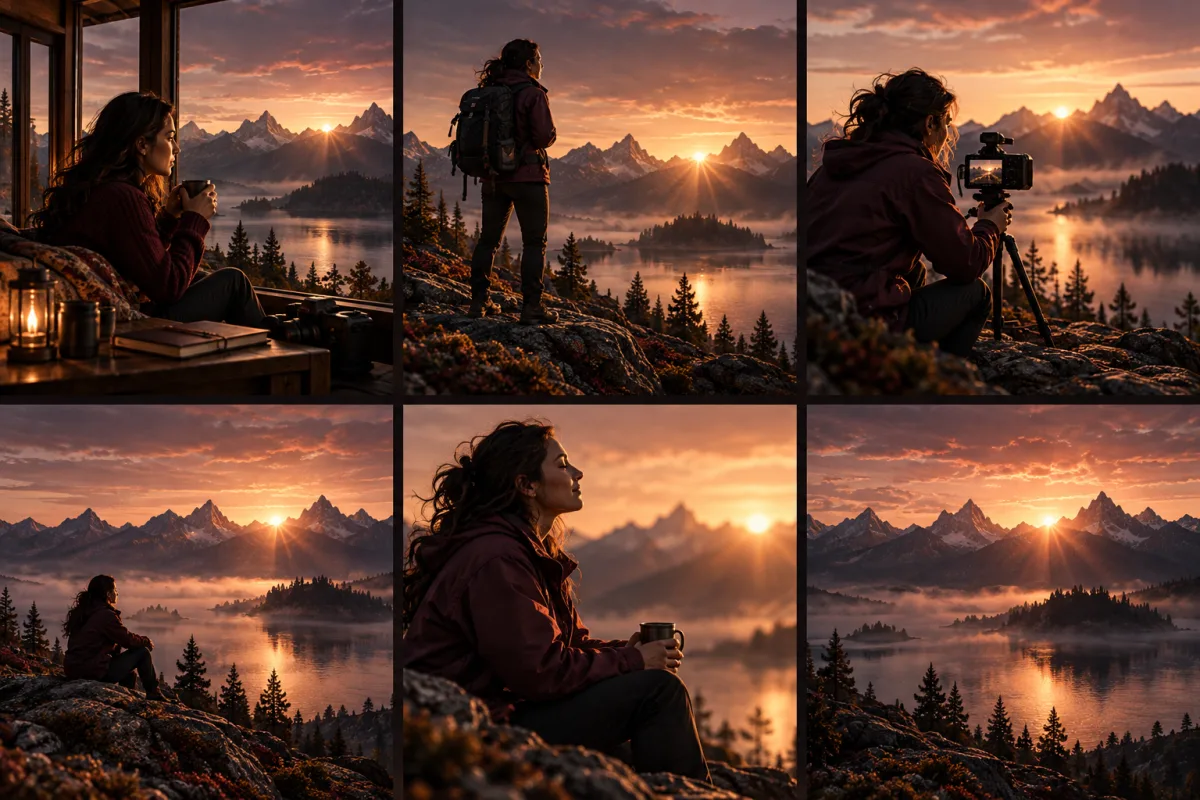
A sequence of shots keeps the same mountain lake and sunrise as its visual setting.
Original concept illustration

Questions

How many files can Kling 4.0 Reference to Video use?
Fifteen in total, within the per-type limits of ten images, five videos and three audio files. At least one reference is needed; a prompt with no files belongs in Text to Video instead.
Can Kling 4.0 make porn or NSFW videos?
Porn and NSFW are search terms, not a promise of content acceptance. Kling 4.0 is not labelled Spicy here. The selected model and its provider may decline adult requests. Use only consenting adults and material you have rights to use; the content policy applies. If an appropriate request fails, compare another model in the same tool before starting again.
When do I see the Peppers required?
The form shows the quote before submission. Length, resolution and source videos can change it. Sign in and upload the required media for an exact quote; an initial preview is not a final charge. Keep the task reference if you need support.

Pricing

Pepper packs

Peppers are GenSpicy generation credits. Buy once and use them across supported models. The form shows the cost of each generation before you submit.

Glow

$24.90usd

2,000 Peppers

PER 1,000 PEPPERS

$12.45

The smallest one-time pack. Start with 2,000 Peppers.

See payment options

Most popular

Velvet

$49.90usd

8,000 Peppers

PER 1,000 PEPPERS

$6.24

≈50% less

4× Glow’s Peppers for $25 more.

See payment options

Best value

Midnight

$99.90usd

23,000 Peppers

PER 1,000 PEPPERS

$4.34

≈65% less

Lowest price per Pepper.

See payment options

Unit-cost savings compared with Glow, before bonus Peppers. One-time payment. No subscription. For adults 18+ only.