
How it works
Turn a background idea into an edit
An uncensored AI background changer is a search phrase for creative scene editing, not a separate model setting. This page opens a reference-based image editor. The selected model follows its own content rules and the site policy. Use material you own or have permission to edit, and work with consenting adults when a person appears.
Begin with a concrete replacement: a quiet hotel lounge, a daylight photography studio or an empty theatre. Explain whether the setting should feel close behind the subject or extend into the distance. A named place with a clear perspective gives the editor more direction than a request for a beautiful or dramatic background.
Match the scene to the subject
The original picture already contains clues about camera height, light direction and color. A face lit from the left will usually look more coherent in a scene with a light source on that side. Describe a suitable window, lamp or soft studio light, and include the strength of the shadows you want beneath the subject.
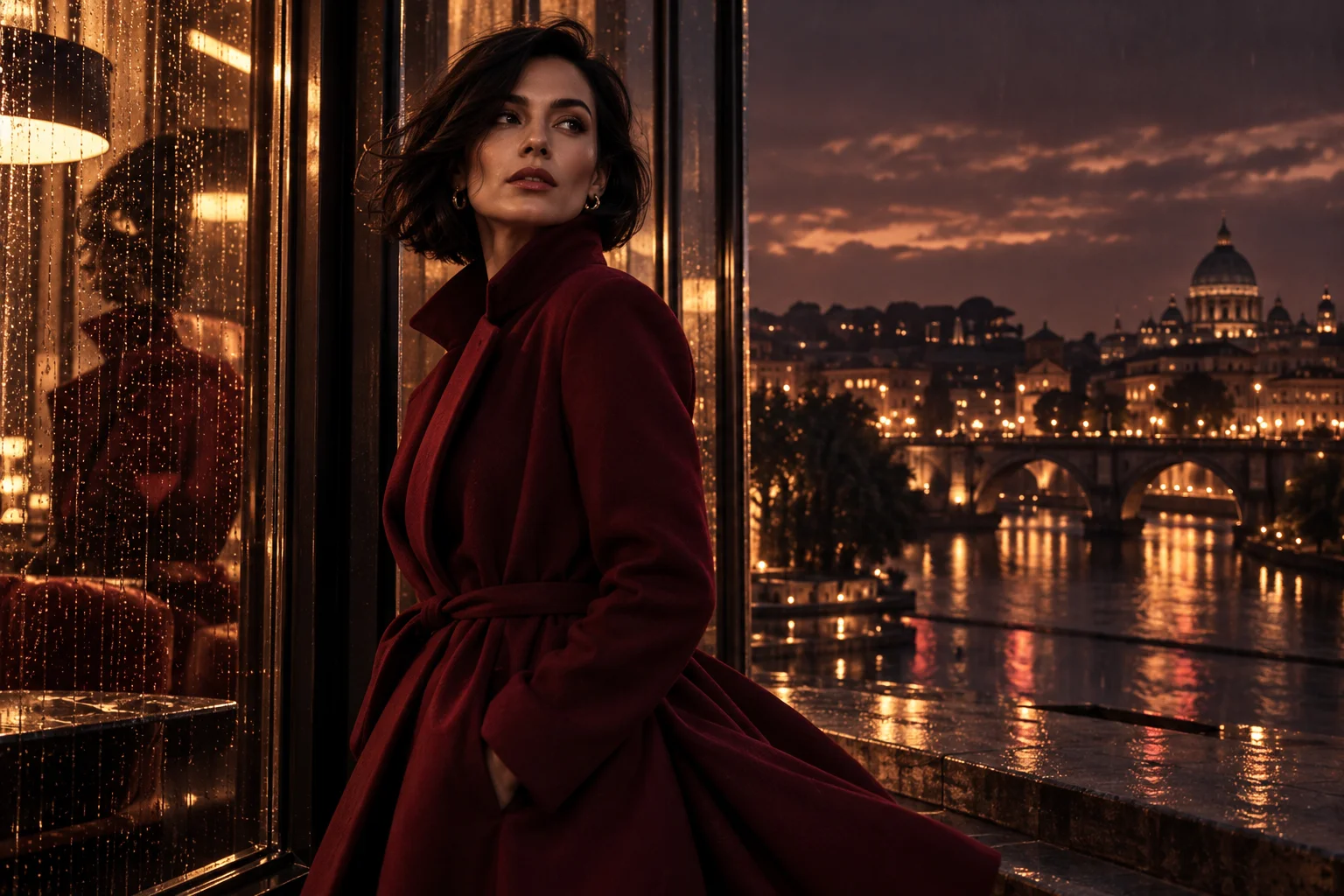
Try: “Keep the adult subject’s burgundy coat, pose and waist-up framing. Replace the street with a warm wood-panelled lounge, with soft light from the left and a gently blurred background.” Keep the first edit focused on the setting. Changing the face, outfit and location at once makes it harder to judge which instruction caused an unwanted result.
Review a new image, not just a cutout
Reference editing can reinterpret the whole picture. It is not a promise to preserve every foreground pixel, and this form does not require you to paint a background mask. Inspect hair, fingers, jewellery, chair legs and transparent fabric. Check that reflections and cast shadows agree with the new surroundings rather than revealing the previous location.
Keep the original and compare one revision at a time. Choose the output shape before submission, then check the Peppers quote for that model and settings. Sign in to generate and find completed results in your library. If the surrounding scene is already right and you need broader changes, the general image-editing guide covers that workflow.
Questions
- Do I need a source picture?
- Yes. This page starts from an existing image. Use Text to Image instead when you want to invent an entirely new composition from a description.
- Will the person remain pixel-for-pixel identical?
- No exact preservation is promised. Ask to keep the important features, then compare the generated image with your source before using it.
- Can I replace a background without a painted mask?
- The selected editor takes reference images and a written instruction. Describe the area to change and the elements to retain; no painted mask is required here.
- Does this guide generate a video?
- No. The selected workflow returns a still image. Its settings and credit quote belong to the image editor.