
GenSpicy
A film ribbon continues through a moonlit landscape toward a glowing archway.
Original concept illustration

NSFW AI Video Extender

Upload a clip and describe what happens after its last frame. Wan 2.2 Spicy adds the next few seconds.

Spicy video extend

How it works

  1. Step 1

    Upload a clip

    Use a video you made or have permission to use. You can also start with a result from Image to Video.

  2. Step 2

    Say what happens next

    Continue the same scene. For example: “She keeps walking toward the doorway. The camera follows.”

  3. Step 3

    Choose the added length

    Select a duration from the available options, check the credit cost, then generate.

Models and settings

Published model settings · checked 2026-10-14.
ModelWorkflowInputsLast frameDuration (s)ResolutionAspect ratioAudio toggle
Wan 2.2 SpicyVideo extendSource videoLast frame: No5 / 8480p / 720pFrom imageAudio toggle: No

Start with the last frame

Watch the end of your source clip before writing the prompt. Describe where the person or camera should go from there.

If the clip ends with someone walking toward a door, continue that walk. Asking for a new room, outfit and camera angle all at once gives the model more to change.
  • Keep the same people, clothing and lighting.
  • Describe the next action rather than retelling the whole clip.
  • For a longer sequence, extend one part at a time and check each result.
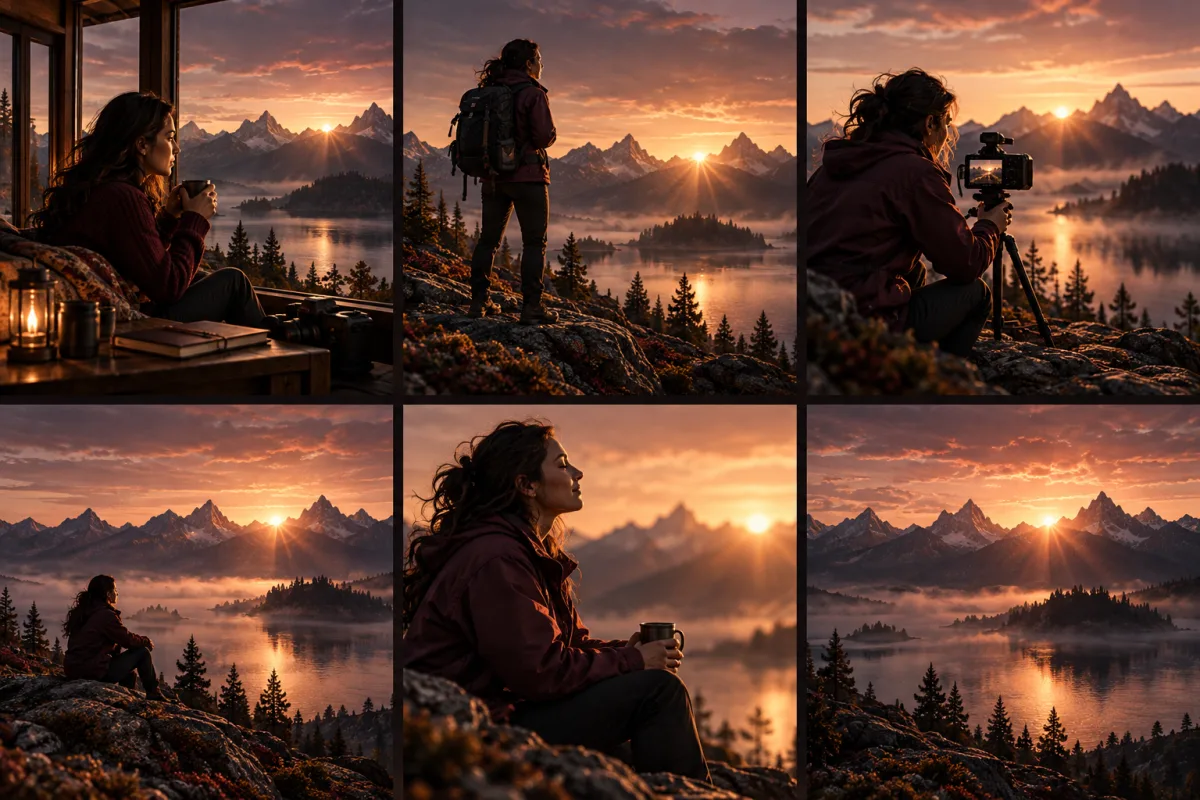
A sequence of shots keeps the same mountain lake and sunrise as its visual setting.
Original concept illustration

Before you upload

Spicy models accept adult prompts. Standard models require non-explicit prompts. A Spicy model can still decline a request, even when it meets the content policy.

Use references of consenting adults only. No minors or unclear ages, nonconsensual intimate content, privacy violations, or sexual impersonation of real people. The content policy applies to every model.

A cinema camera on a curved track beside moving silk illustrates camera and subject motion.
Original concept illustration

Questions

Can I extend a video made somewhere else?
You can upload a clip you made or have permission to use. It must meet the upload requirements shown in the form and the content policy.
How many seconds can I add?
Choose from the durations listed in the form. The table also shows the options supported by the model.
Where can I make the first clip?
Open Image to Video, animate a still image, then upload the finished clip here.
What happens if the job fails?
Jobs marked failed or expired return their reserved credits. You can check the job status in your task history.

Pricing

Credit packs

Buy once and use the credits across supported models. The form shows the cost of each generation before you submit.

Glow

The smallest pack.

$19.90usd

2,000 credits

$9.95 per 1,000 credits

See payment options

Velvet

Lower cost per credit than Glow.

$39.90usd

8,000 credits

$4.99 per 1,000 credits

See payment options

Midnight

The lowest cost per credit of these three packs.

$99.90usd

23,000 credits

$4.34 per 1,000 credits

See payment options

One-time payment. No subscription. Sign in to generate. For adults 18+ only.