
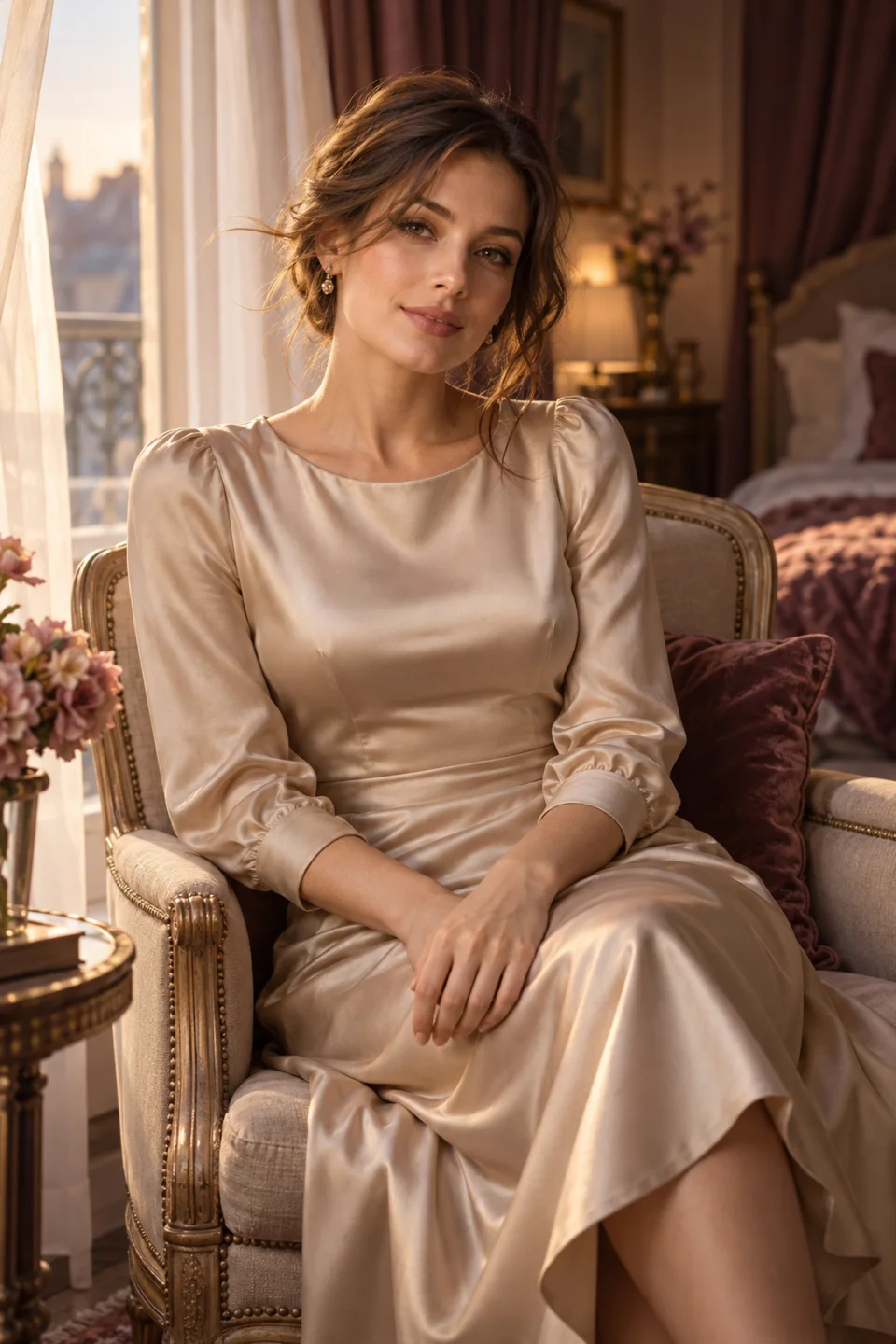
Choose soft light and a comfortable seated pose
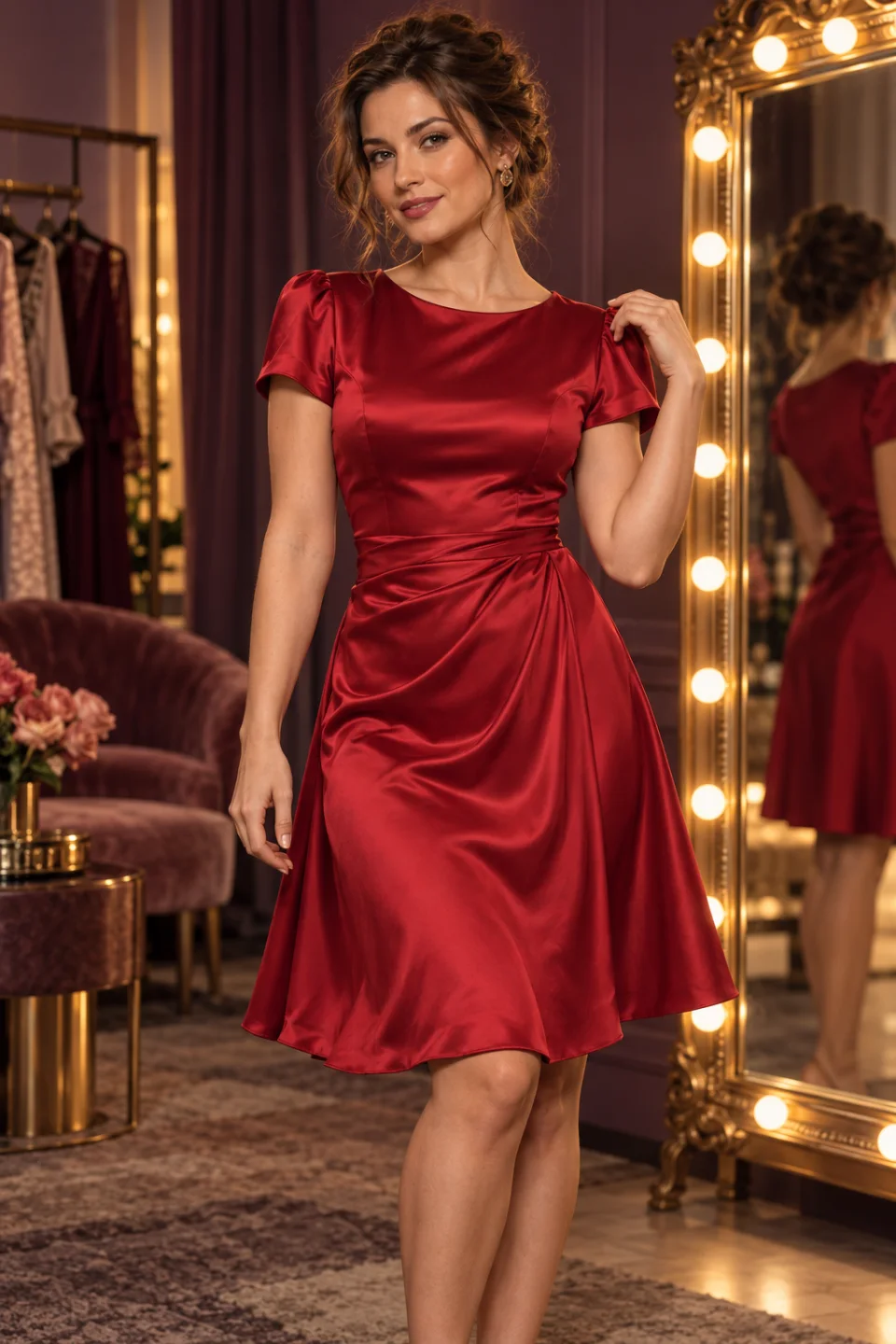
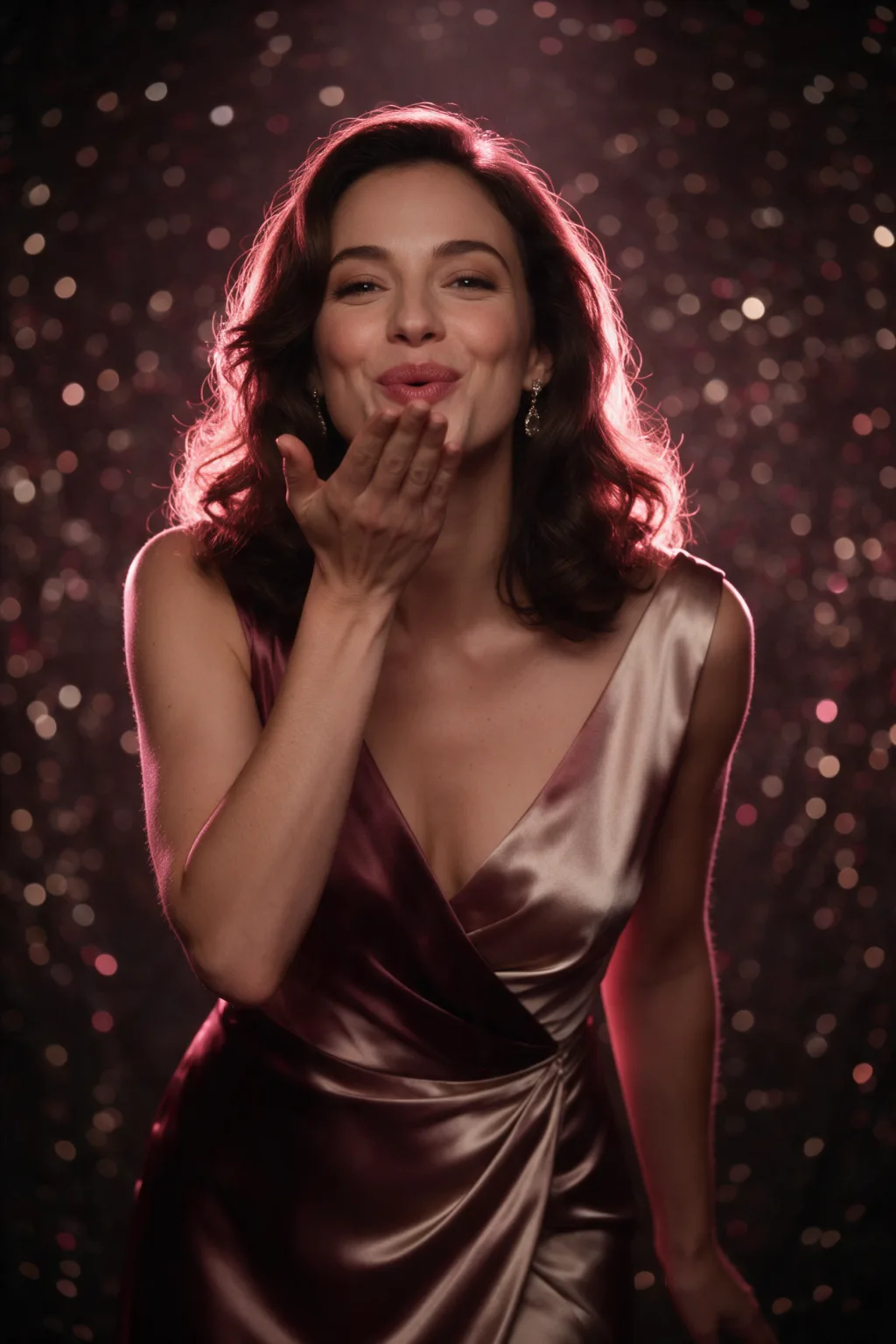
Use a clear photo of one adult seated upright, with the face unobstructed and hands resting naturally. An opaque satin dress or another fully clothed evening look suits the scene. A window beside the subject gives the model a useful light direction; it does not have to invent a bright new light source behind the face.
Leave a little room above the head and beside the curtains. The preset asks for a small head turn, a relaxed smile and a gentle breeze, with a fixed eye-level camera. If your reference has no curtains, remove that detail from the prompt instead of expecting the original room to stay unchanged. Keep the motion request close to what the photo already suggests.
Open the video preset and check the quote
Choose Remake to open the video composer with this scene's prompt and starting settings. Add your own reference image there; the cover on this page is not automatically submitted as your photo. The preset starts with Wan 3.0 image-to-video, five seconds, 720p and a vertical 9:16 frame. Audio generation starts enabled. Review those settings in the composer, since changing the selected model can change which controls are available. Keep the first attempt simple rather than adding several unrelated actions to a short clip.
Read the current Pepper quote before choosing Generate. The price follows the model and the settings you actually submit, so a number shown earlier on a template card is only an estimate. Remake opens an editable draft; it does not submit a paid task. Peppers are reserved when a task is submitted and charged after the completed result is saved. A failed task releases its reservation. These templates do not add a subscription or promise a free generation.
Look for natural motion in the small details
Watch the eyes, jawline and hands across the entire clip. Small movements make sudden changes especially noticeable, so compare several frames rather than judging only the thumbnail. If hair or curtains move too strongly, reduce the breeze in the prompt. This boudoir-style preset stays clothed and non-explicit; it does not remove clothes or create sexual activity.
Use a photo of yourself, fictional adult characters, or adults who have agreed to this use of their image. Keep the scene fully clothed and non-explicit. An animation is an invented sequence, not evidence that the people performed the action. Review facial details, clothing and background before sharing, and get the other person's permission when a clip depicts someone else. Model acceptance and exact likeness are not guaranteed.