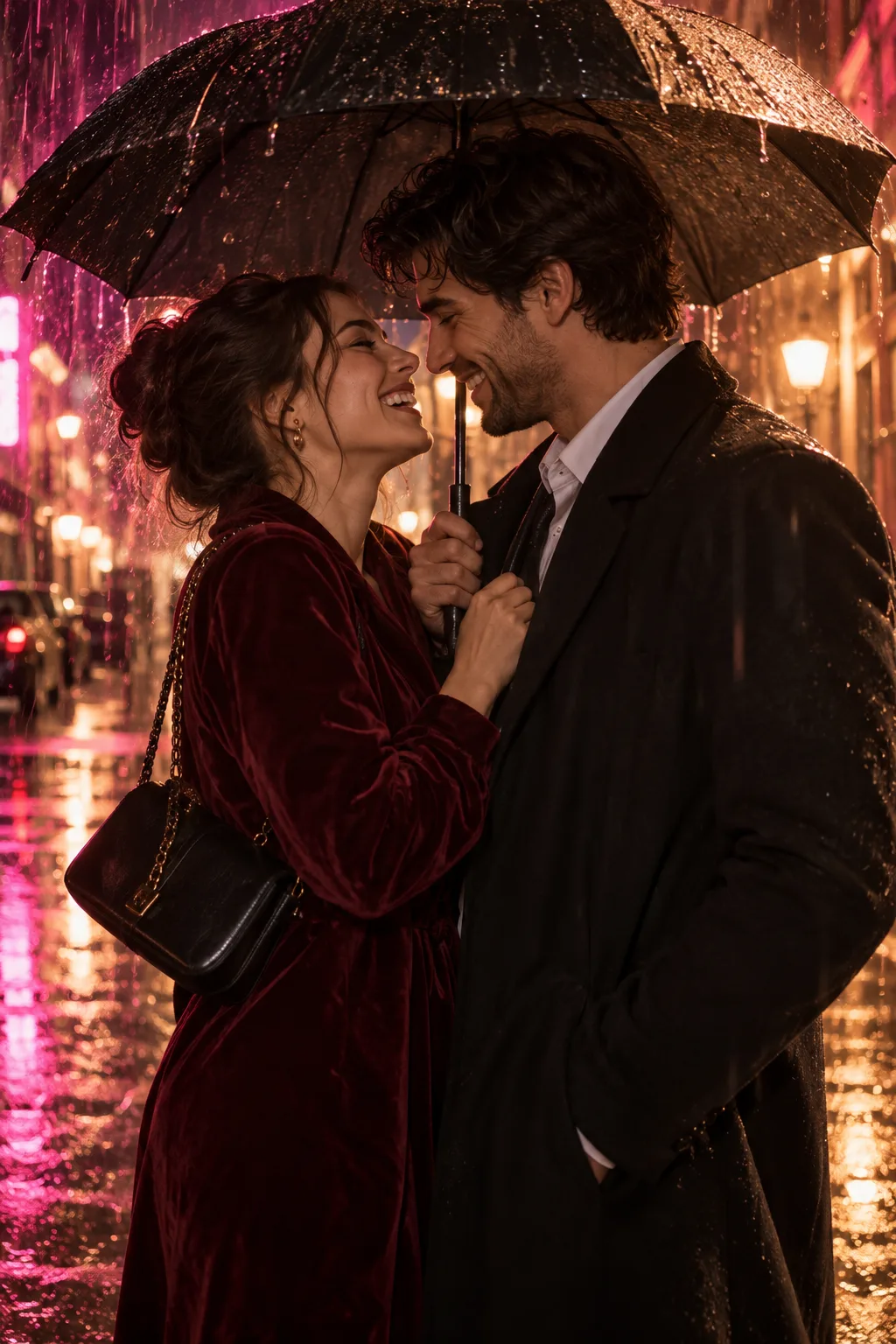
Choose a clear photo before adding the rain
A bright, readable source is useful even though the intended scene takes place at night. Look for two distinct faces, visible shoulders and hands that are free of phones, bags or drinks. If a face is already hidden behind hair or another person, the model has less information when it creates the turn toward the kiss.
The two people need to appear together in the same uploaded image. Choose a photo of adults who agreed to this use, and keep them fully clothed when adapting the scene.
Decide how much of the original scene to keep
Rain and night lighting can change more than the background. Hair may look darker, clothing may take on a different texture, and reflections can alter the apparent color of skin or fabric. A request to keep the people consistent expresses an intention; it cannot hold every detail in place.
Read the loaded prompt before generating. If you prefer the original location or a quieter camera, revise those parts of the scene. Start with the change that matters most. Adding several locations or camera moves can make the result harder to compare with your source.
Open the preset in the workspace
Click Remake to load the prompt, starting model and settings, then add your own photo. The starting preset uses Wan 3.0 Spicy image-to-video with a five-second duration, 720p resolution and a vertical 9:16 frame. Review the model and available settings in the workspace and check the current quote before you generate.
Audio is requested in the starting preset. Listen to the finished result before using its sound. If you need rain sounds or a particular soundtrack, plan to add or replace that audio afterward.
Review faces through the moving shot
Watch the approach as well as the kiss. Check whether mouths and noses remain separate at contact, whether each hand belongs to the right person, and whether the faces change as the camera moves. Rain streaks and wet-looking hair can obscure details. If the interaction becomes unclear, simplify the camera direction or try a source with more space around both faces.