Start from the reference
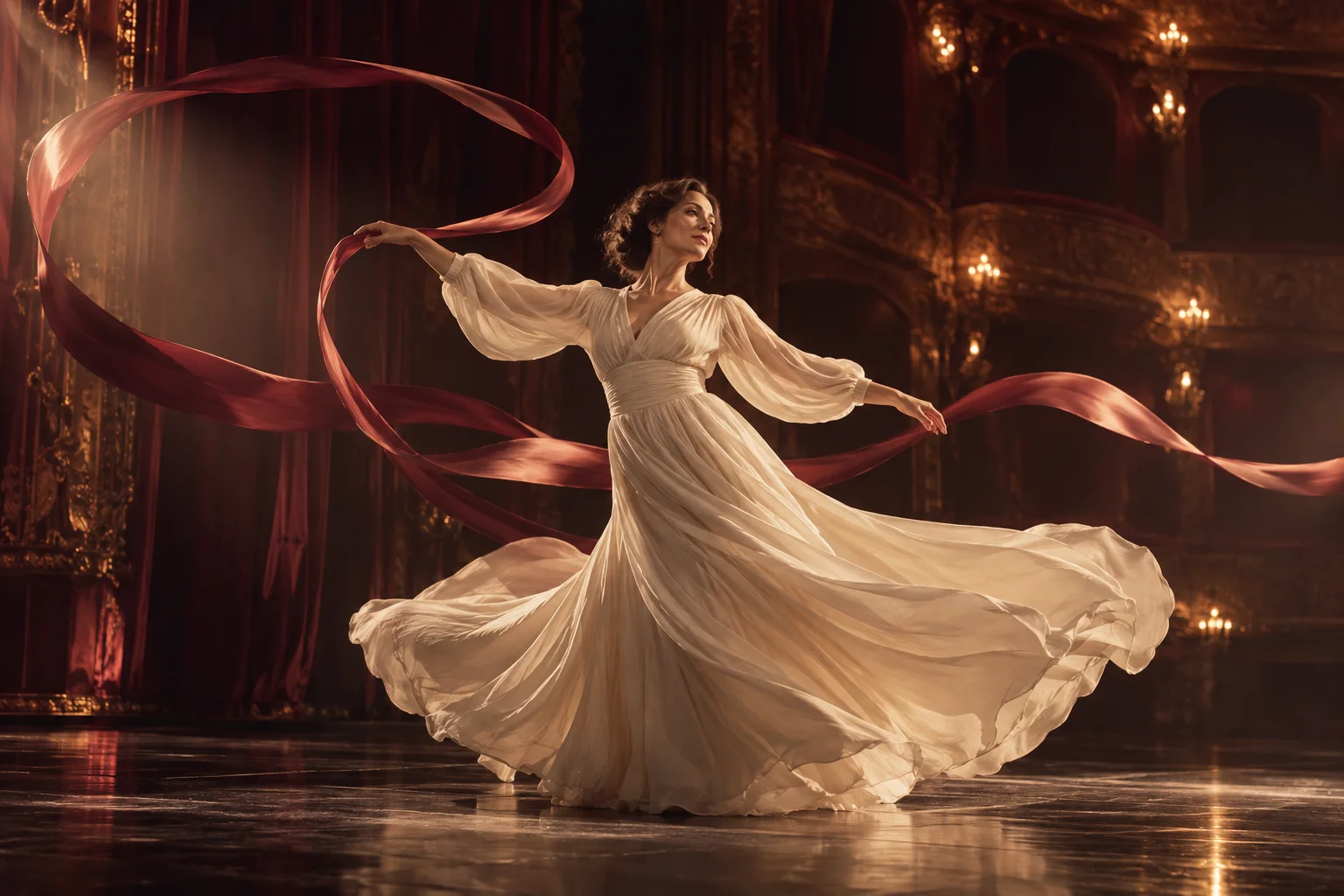
Look at the image before writing anything. Note which way the person faces, how much room there is around them and where the light comes from. A model animates what is in the frame; it has a hard time inventing the far side of a room or a hand that has been cropped out.
Sharp, well-lit, simply composed images give the model the most to work with. Leave space in the direction you want someone to move. With a tight face crop, ask for small things: a glance, a breath, a slow smile.
- Use an image of an adult who agreed to this use, or an adult character you created.
- Crop to the framing you want the video to keep. Models without an aspect ratio setting follow the shape of your image.
- Remove text overlays, watermarks and borders; they tend to warp once things move.
Write one action per clip
Short clips have little time, so give each one a single main action and say how it unfolds.
Subject motion
“She turns toward the window and slowly lifts her hand to her hair” gives the model a start, a direction and a pace. Two linked actions fit comfortably in five seconds. A list of six leaves each one almost no time.
Camera
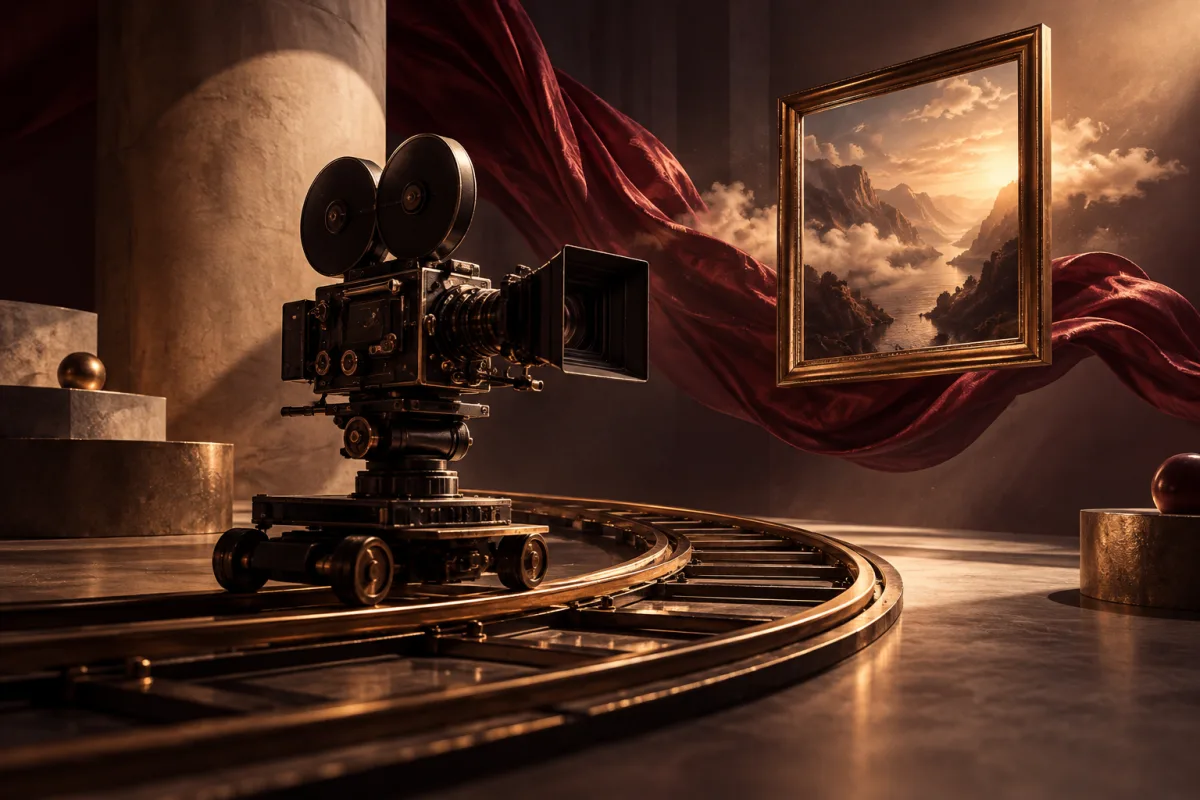
Say what the camera does, or say that it stays still. Phrases such as “static camera”, “slow push in”, “the camera follows him down the hallway” or “gentle handheld sway” are clear. Leave the camera out and the model decides for you.
Pace and atmosphere
Words like slowly, gradually and softly change how a clip feels. So does light: “warm lamplight flickers” or “the city lights behind her blur” adds mood without changing who is in the frame.
Keep the scene consistent
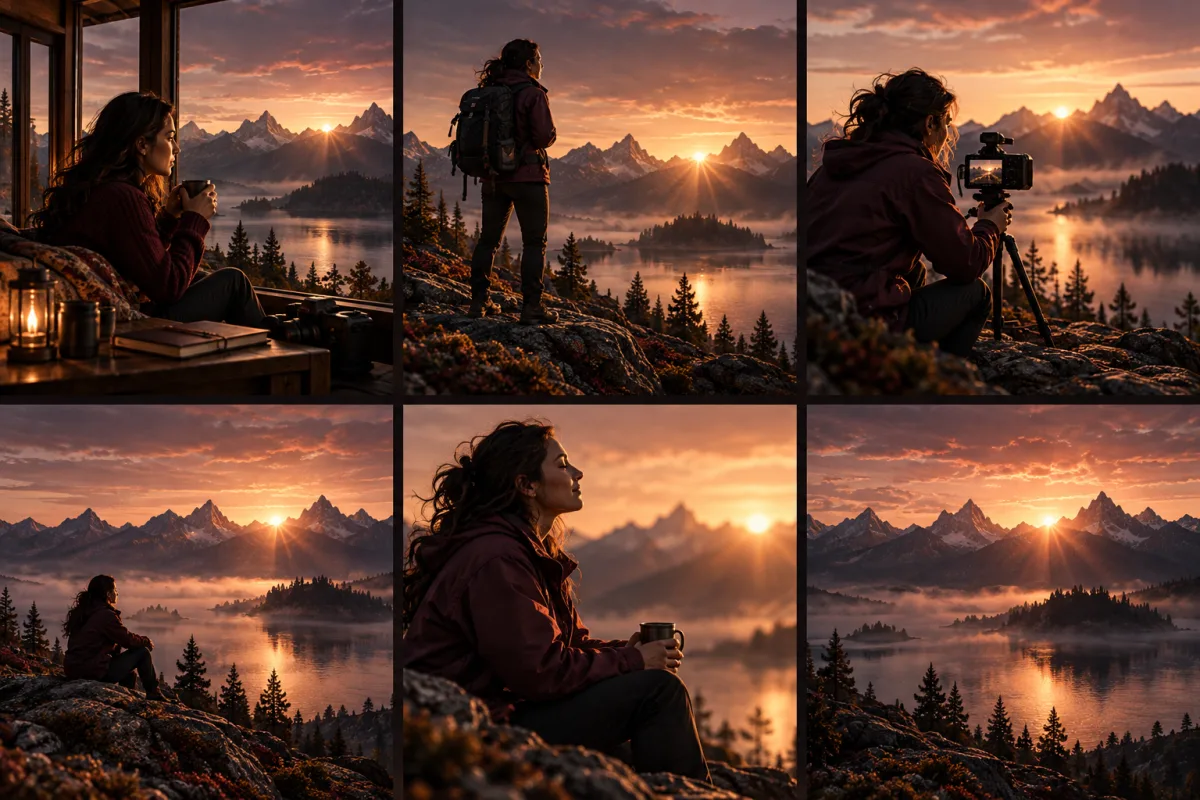
Ask for changes that fit the image. If she is wearing a long coat by a rainy window, ask for the coat to sway and the rain to run down the glass, not for a beach at noon. Large changes to clothing, place or light give the model more to redraw, and that is where faces and hands can drift.
Plan a sequence as separate shots. Make the first clip, download it, then use Video Extend and describe only what happens next. If you have an opening and a closing image, a model with last-frame support can move between them in one run.
Pick a model for the shot
Choose by what the shot needs, then write for that model. LTX 2.3 Spicy takes a first frame only, runs from 3 to 20 seconds and has a style preset. MiniMax H3 Spicy accepts an optional last frame, so you can describe the route from one image to the other. Wan 2.2 Spicy also runs in Video Extend, which helps when you plan to continue the clip. Seedance 2.0 Spicy adds an aspect ratio setting and an audio toggle.
The model comparison lists every Spicy model and its settings. Check it before spending credits on a long or high-resolution run, and test a new prompt on a short clip first.
Keeping prompts within the rules
Spicy models accept adult prompts, so you can describe an adult scene plainly. Write about what should happen on screen. Wording meant to slip past the checks can be declined and may break the content policy.
Use references of consenting adults only. No minors or unclear ages, nonconsensual intimate content, privacy violations, or sexual impersonation of real people. The content policy applies to every model.
Questions
- How long should a video prompt be?
- One to three sentences is usually enough: the action, the camera and perhaps the light. The image carries the rest.
- Should I describe the person again?
- Only briefly, to say who moves when more than one person is in the frame. Re-describing hair, clothes or the room can prompt the model to change them.
- Why did my clip ignore part of the prompt?
- Short clips favour the main action. Cut the prompt down to one action, or choose a longer duration if the model offers one.
- Why are the examples on this page so tame?
- This is a public page. The same structure of one action, one camera instruction and a consistent setting works for any adult scene within the content policy.
- Can I reuse a prompt on another model?
- Yes, as a starting point. Drop ending-frame wording for a model without last-frame support, and make sure the duration gives the action time to finish.